51
Settings
4
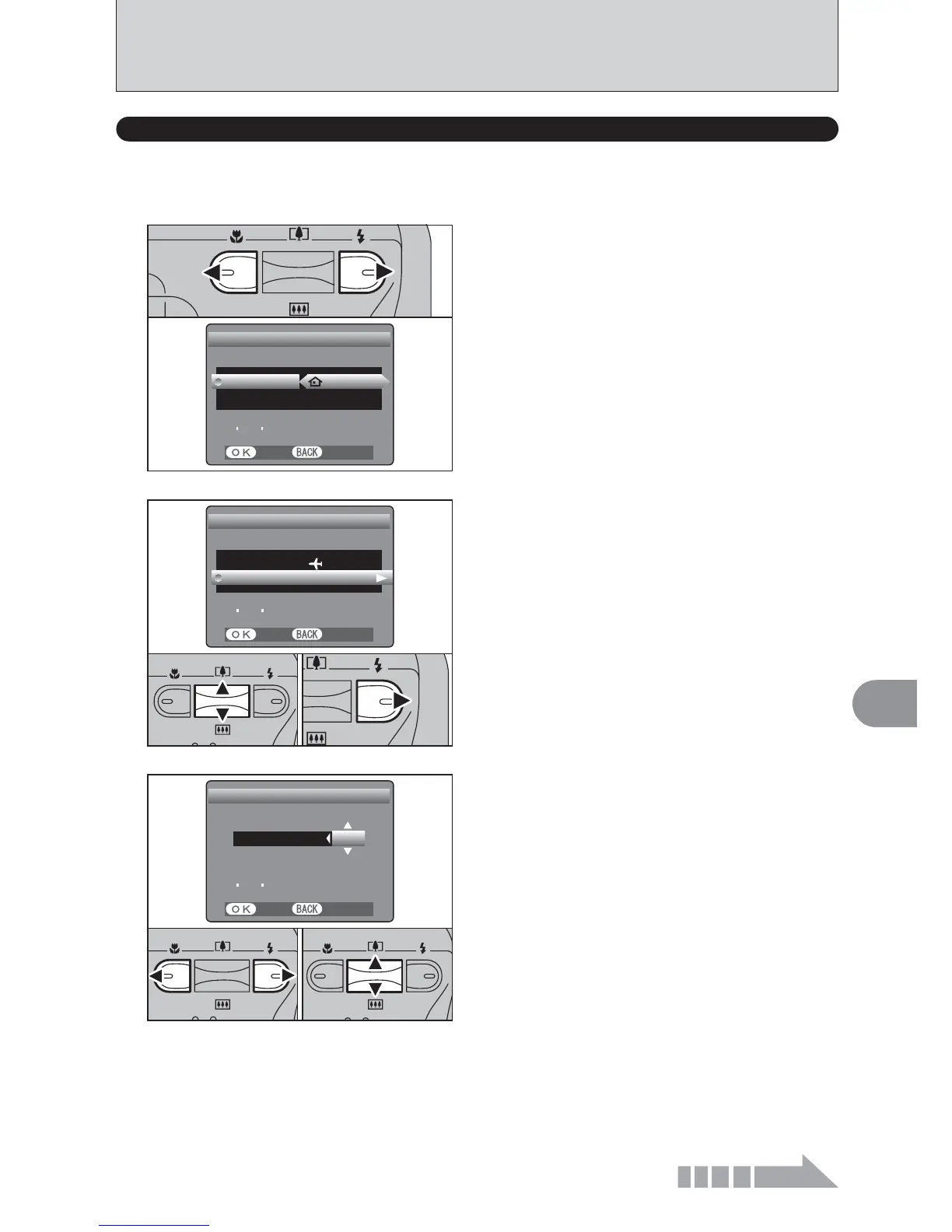
TIME DIFFERENCE
(
TIME DIFFERENCE SETTING
)
Press “d” or “c” to change between “™ HOME”
and “£ LOCAL”.
To set the time difference, select “£ LOCAL”.
™ HOME : Your home time zone
£ LOCAL : Your destination time zone
1
SETSET CANCELCANCEL
LOCATIONLOCATION
TIME DIFFERENCETIME DIFFERENCE
23 4 23 4 2004 10:30 AM2004 10:30 AM
TIMEDIFFERENCETIMEDIFFERENCE
SETSET
HOMEHOME
1Press “a” or “b” to select “TIME DIFFERENCE”.
2Press “c”.
2
SETSET CANCELCANCEL
LOCATIONLOCATION
TIME DIFFERENCETIME DIFFERENCE
TIMEDIFFERENCETIMEDIFFERENCE
SETSET
LOCALLOCAL
23 4 23 4 2004 10:30 AM2004 10:30 AM
01
02
1Press “d” or “c” to select ±, hour and minute.
2Press “a” or “b” to correct the setting.
h Available time settings
-23:45 to +23:45 (in 15 minutes increments)
3
SETSET CANCELCANCEL
+
TIME DIFFERENCETIME DIFFERENCE
:
45450000
23 4 23 4 2004 2004 11:15 AM11:15 AM
01
02
Continued
This function sets a time difference relative to the date and time currently set. When this setting is
enabled, the specified time difference is applied when pictures are taken.
Use this function when traveling to destinations in different time zones.













 To Next Page