41
Advanced Features
3
Y TRIMMING
PLAYBACK MENU
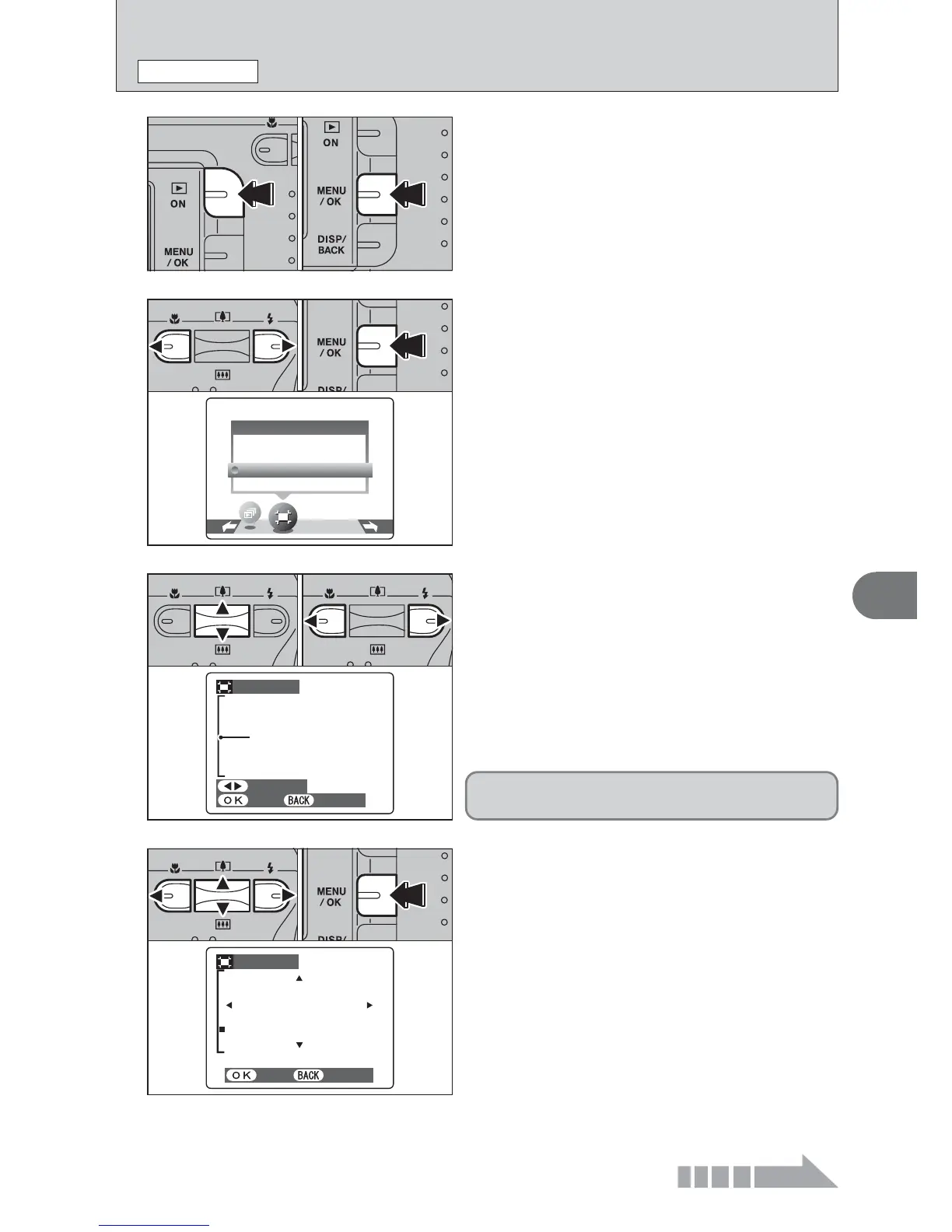
1Press the “Playback” button for approx. 1
second to turn the camera on in Playback mode.
2Press the “MENU/OK” button to display the
menu on the LCD monitor.
1
01 02
2
1Press “d” or “c” to select “Y” TRIMMING.
2Press the “MENU/OK” button.
01 02
3
1Pressing the “a ([)” or “b (])” switch during
single-frame playback zooms in (enlarges) or out
on a still image. Using this function, a zoom bar
appears.
2Press “d” or “c” to trim an image.
●
!
Press the “DISP/BACK” button to return to single-frame
playback.
01 02
4
1Press “a”, “b”, “d”, or “c” to display another
area.
2Press the “MENU/OK” button to crop the image.
01 02













 To Next Page