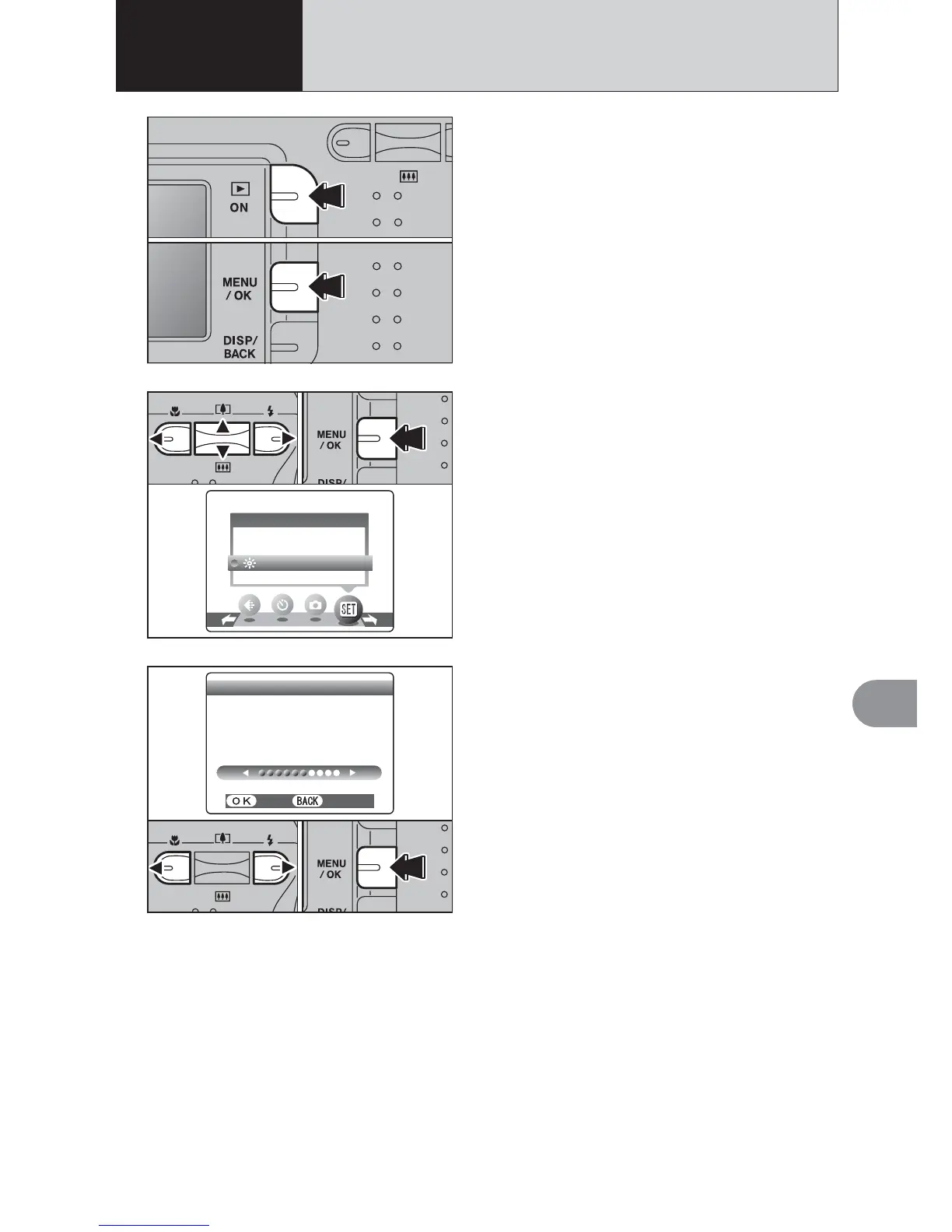
1Press the “Playback” button for approx. 1
second to turn the camera on in Playback mode.
2Press the “MENU/OK” button to display the
menu on the LCD monitor.
1Press “d” or “c” to select “F” OPTION and
then press “a” or “b” to select “6LCD”.
2Press the “MENU/OK” button.
2
1Press “d” or “c” to adjust the LCD monitor
brightness.
2Press the “MENU/OK” button to confirm the new
setting.
3
●
!
To exit this procedure without changing the settings, press
the “DISP/BACK” button.
01
02
01
02
1
6
ADJUSTING THE MONITOR BRIGHTNESS
4 Settings
01
02













 To Next Page