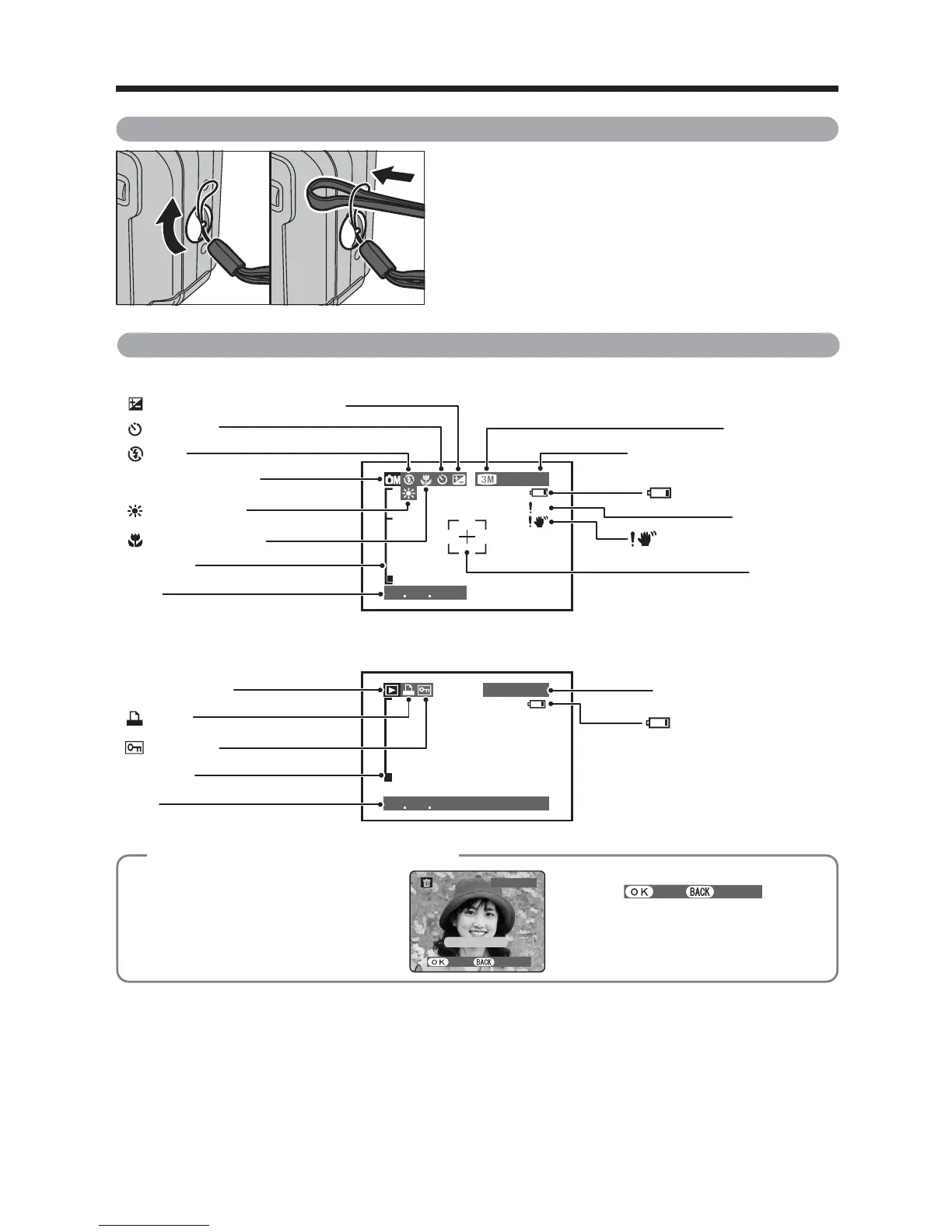
Example of LCD Monitor text display
■ Still photography mode
■ Playback mode
◆
Displaying the On-screen Help
◆
Instructions for the next step in the
procedure are displayed at the bottom
of the LCD monitor. Press the button
indicated.
Press the “MENU/OK” button to erase
the displayed frame. To cancel erasing,
press the “DISP/BACK” button.













 To Next Page