FRAME
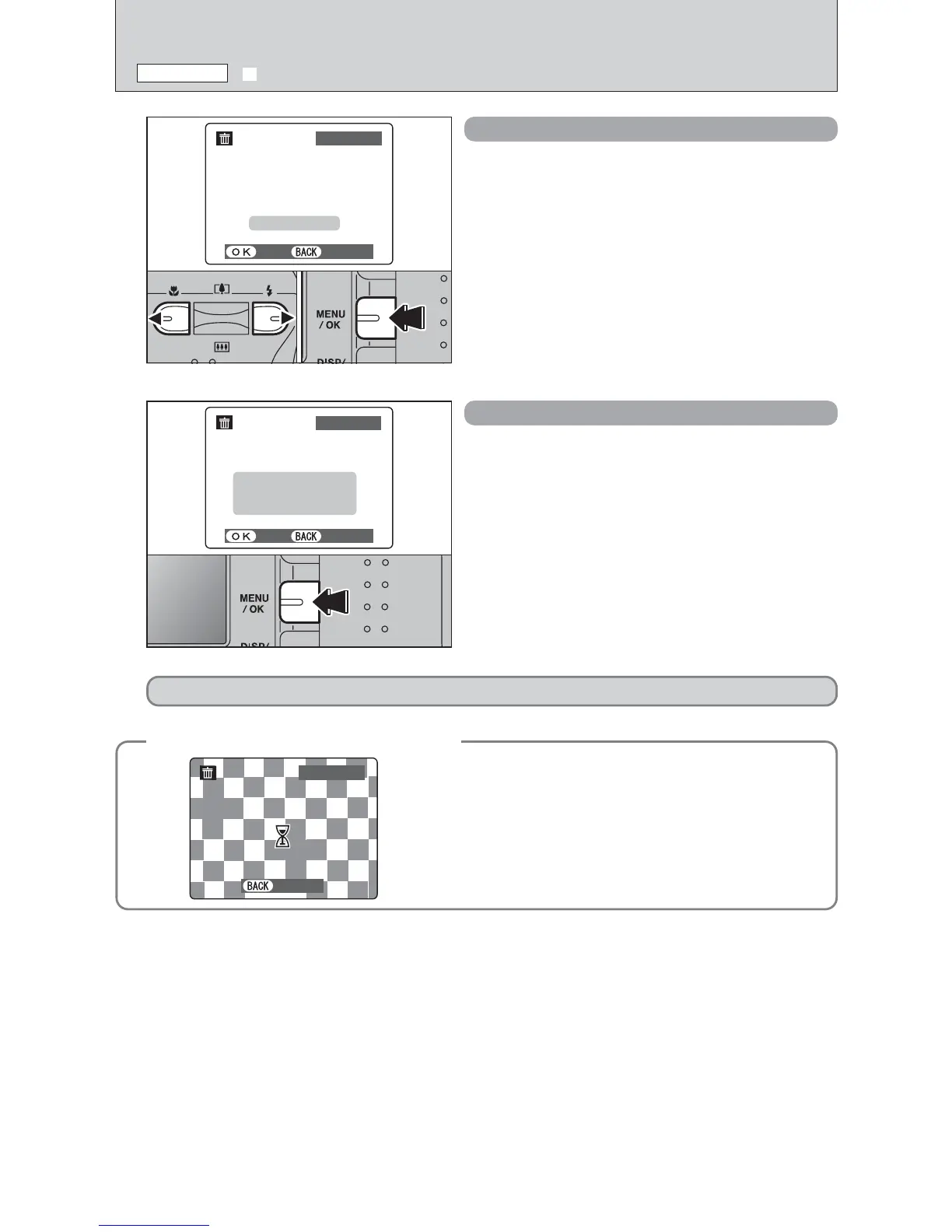
1Press “d” or “c” to select the frame (file) to be
erased.
2Press the “MENU/OK” button to erase the
currently displayed frame (file).
To erase another frame (file), repeat steps 1 and 2.
When you have finished erasing frames (files),
press the “DISP/BACK” button.
●
!
Pressing the “MENU/OK” button repeatedly erases
consecutive frames (files). Take care not to erase an frame
(file) by mistake.
●
!
Protected frames (files) cannot be erased. Unprotect the
frames (files) before erasing them (➡P.38).
ALL FRAMES
Pressing the “MENU/OK” button erases all the
frames (files).
●
!
To cancel the erasing of frames once it is in progress, press
the “DISP/BACK” button. Even if you stop the procedure
immediately, some frames (files) will be erased.
●
!
Protected frames (files) cannot be erased. Unprotect the
frames (files) before erasing them (➡P.38).
To cancel erasing of all the frames (files) while it is in
progress, press the “DISP/BACK” button. Some
unprotected frames (files) will be left unerased.
01 02
If “†” appears, press the “MENU/OK” button again to erase the frames (files).
●
!
Even if you stop the procedure immediately, some frames
(files) will be erased.













 To Next Page