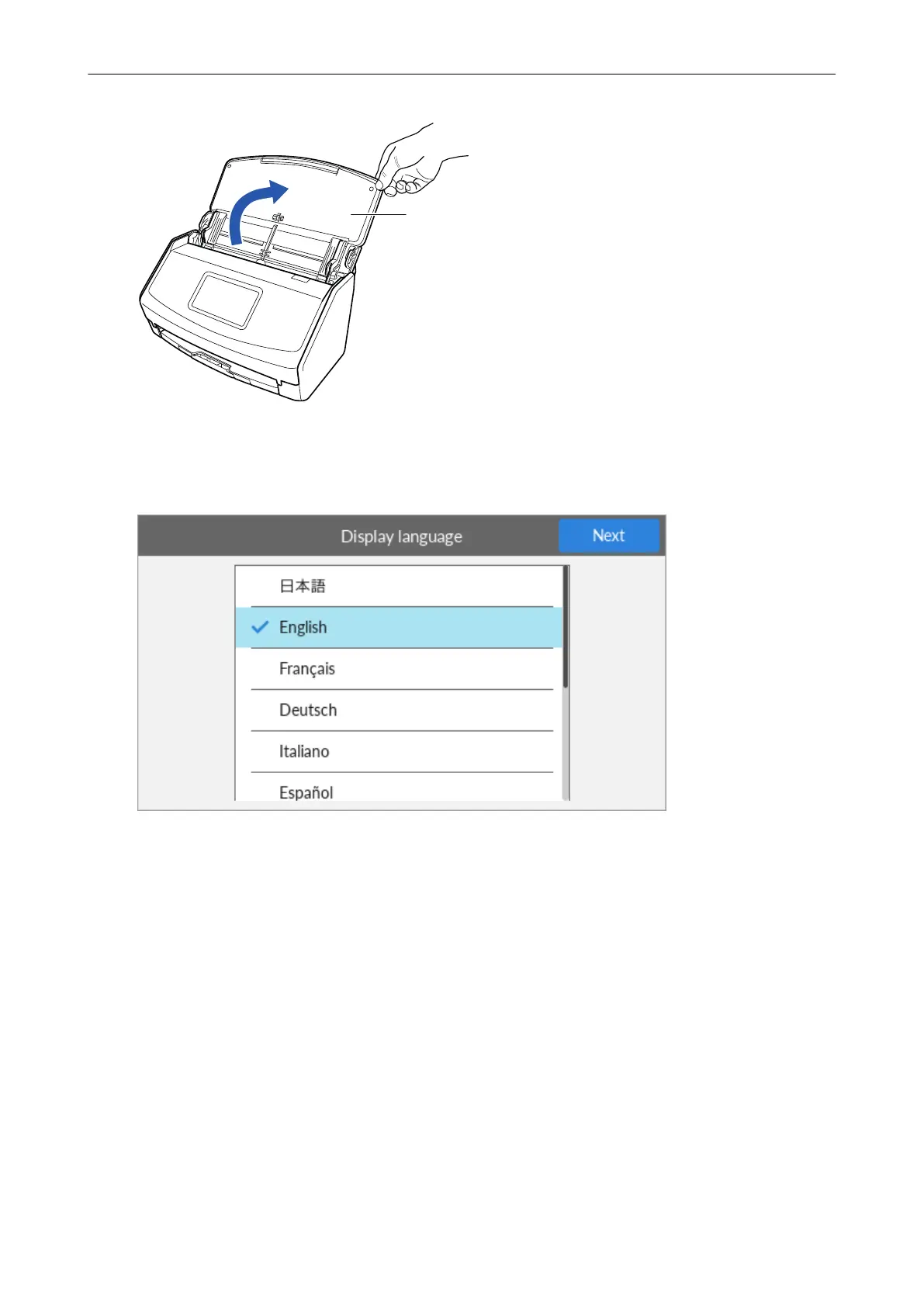
2. Open the ADF paper chute (cover) to turn the power on.
Example: iX1600
3. Configure the settings of the ScanSnap by following the instructions on the touch panel.
When you are using iX1400, proceed to 2 Downloading the Software.
Set the display language of the touch panel, the startup mode, and a device that is used with the
ScanSnap.
When the [USB Connection] screen is displayed on the touch panel, the setting procedure for the
ScanSnap is complete.
Setting Up iX1600 / iX1500 / iX1400
23



 To Next Page
 Loading...













