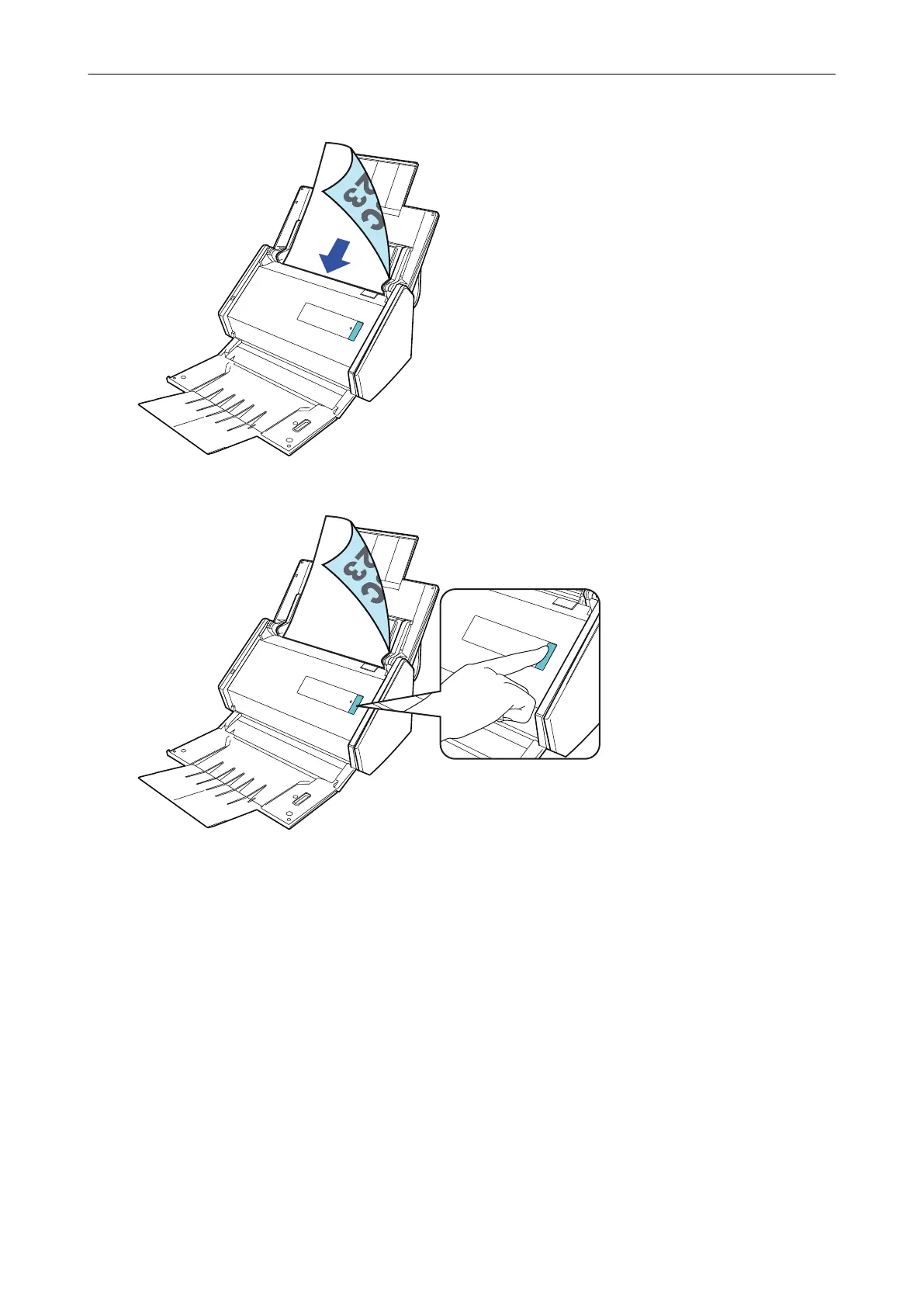
For details about how to scan a document, refer to "Scanning Documents with iX500" (page
211).
2. Press the [Scan] button to start scanning.
Once the Quick Menu for selecting an application to perform a particular action appears, the check
process for the scanning operation is complete.
Clicking an icon on the Quick Menu allows you to save images created from documents that you
scanned with the ScanSnap to your desired folder, or attach them to an e-mail.
Setting Up iX500
30



 To Next Page
 Loading...













