Installing in Mac OS
51
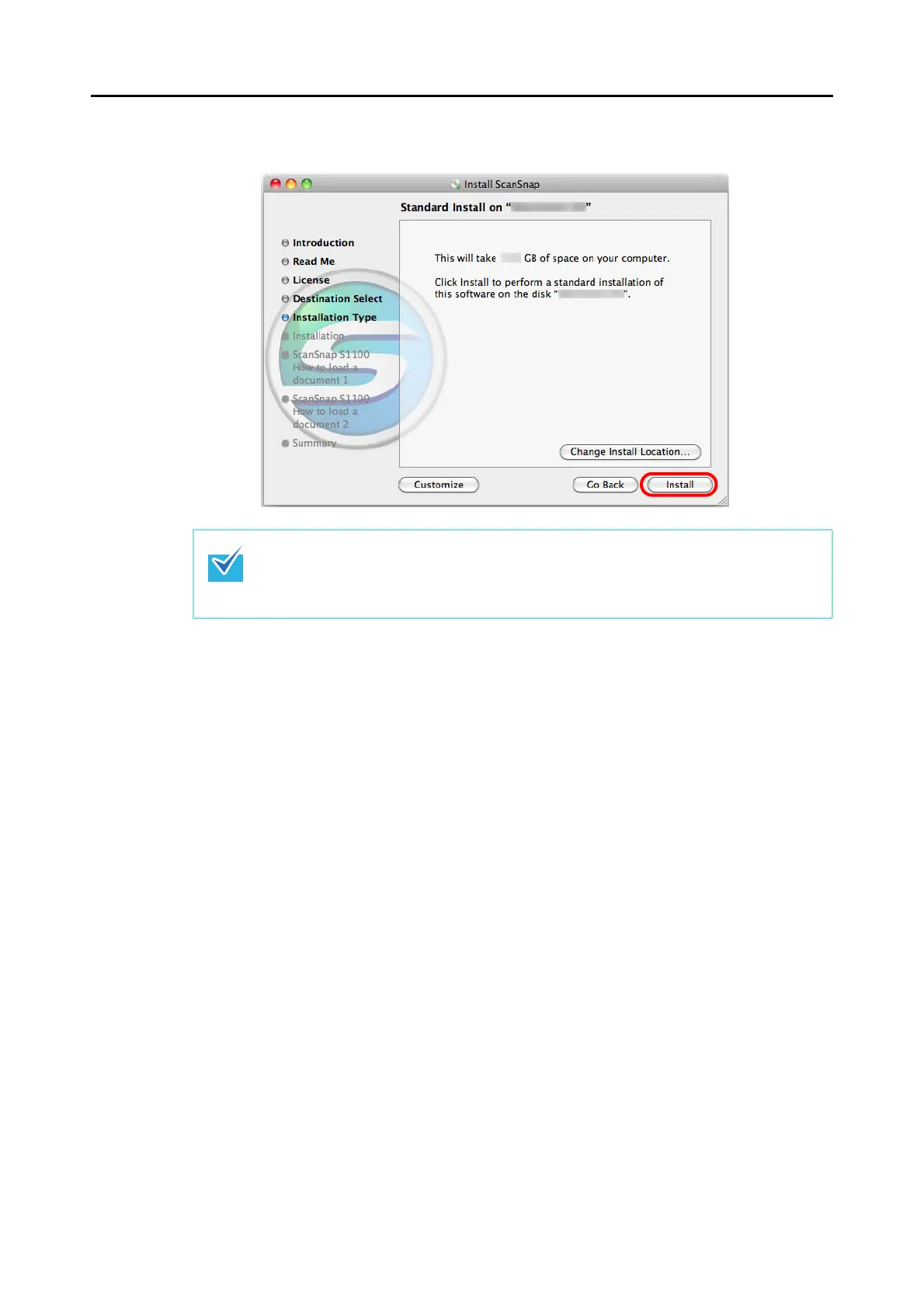
9. Click the [Install] button.
Installation starts.
The [Cardiris 3.6 for ScanSnap] window appears, displaying the [License] screen.
10.Scroll down and read the "License" to the end, and then click the
[Continue] button.
A confirmation message appears.
11.Click the [Agree] button.
The [Select Destination] screen appears.
By default, Cardiris is installed in the Applications folder.
12.Click the [Continue] button.
The [Installation Type] screen appears.
13.Confirm that [Easy Install] is specified in the [Installation Type] pop-up
menu.
z To install only ScanSnap Manager, clear the [ABBYY FineReader for ScanSnap] and
[Cardiris] checkboxes in the [Custom install on "disk name"] screen which is displayed
by clicking the [Customize] button.
z ABBYY FineReader for ScanSnap or Cardiris cannot be installed on its own.



 To Next Page
 Loading...













