Installing in Mac OS
52
14.Click the [Install] button.
Installation starts.
The [Finish Up] screen appears.
15.Click the [Quit] button.
The [Startup item registration] window appears.
16.Click the [OK] button.
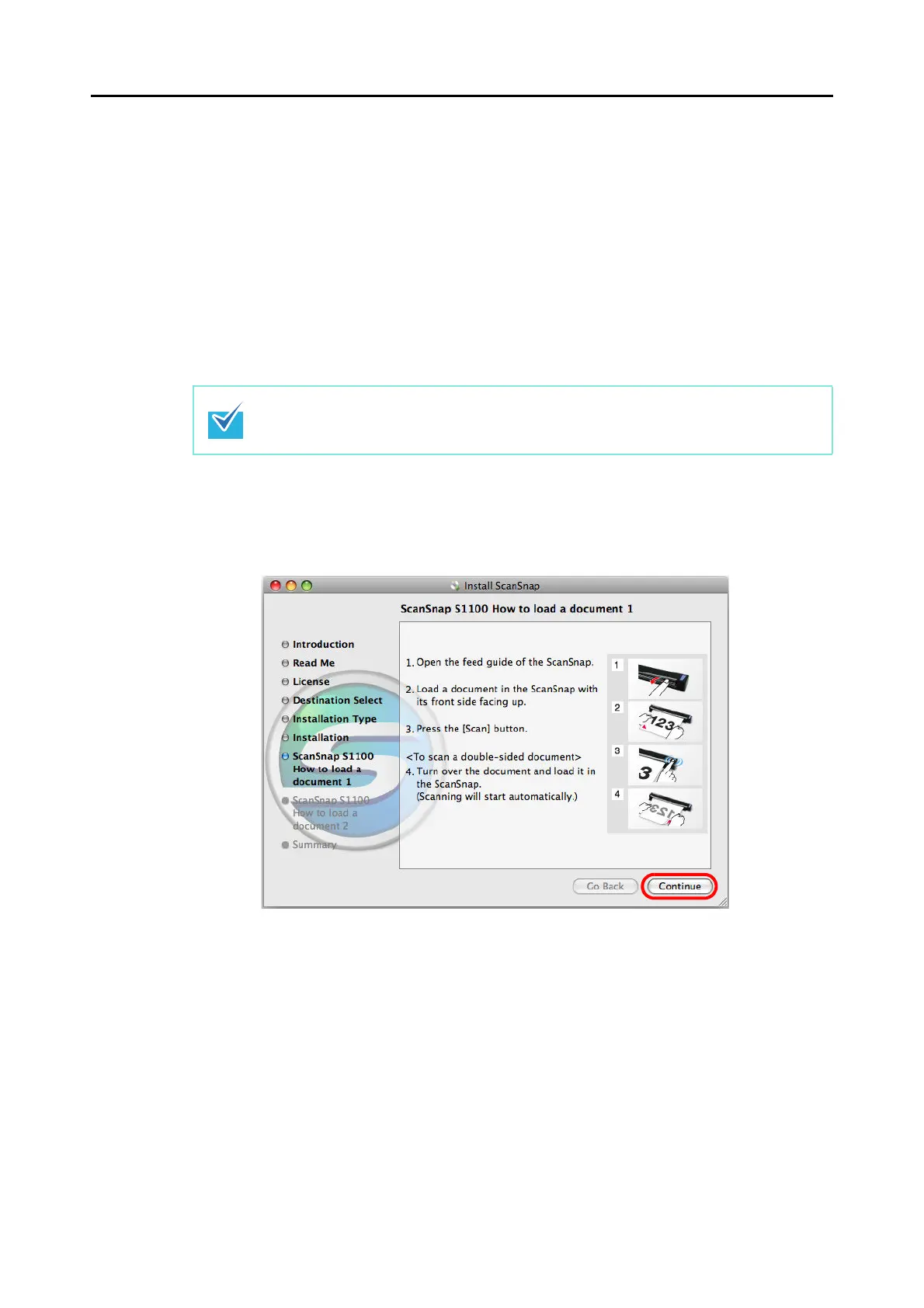
The [ScanSnap S1100 How to load a document 1] screen appears.
17.Read the instructions and click the [Continue] button.
The [ScanSnap S1100 How to load a document 2] screen appears.
Note that the [Startup item registration] window will close automatically after a certain
period of time elapses without operation.



 To Next Page
 Loading...













