EasyManua.ls Logo

Furuno FS-5000 - System Settings List

Furuno FS-5000
493 pages
Print Icon
To Next Page IconTo Next Page
To Previous Page IconTo Previous Page
Loading...
FM-8700
E5-6
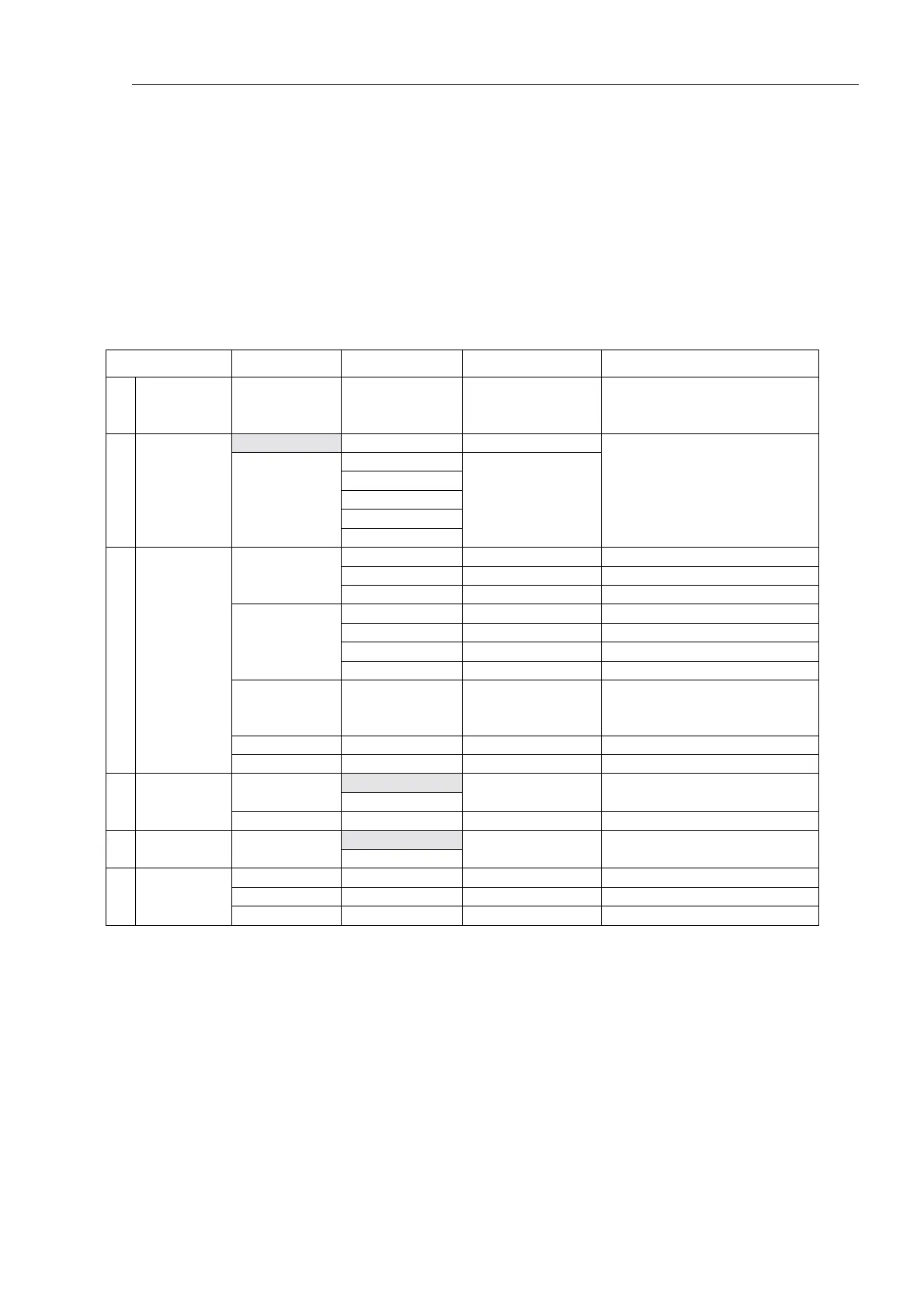
3. System settings list
[SELECT] “Setup menu”
The default settings are shown in a screened call of each setting item.
Setup menu Menu-1 Menu-2 Setting Note
1
Manual
Position
L/L and UTC
To cancel the manually
entered data, enter 9999 for
the UTC.
ABLE ABLE
No reason
Busy
Equip disable
Unable channel
2 Auto ack
UNABLE
Unable mode
ROM
RAM
ROM/RAM
EEROM
NMEA
DMC
Rmt station
Remote loop
Printer IF
Keyboard test
Without the [CANCEL]
[DIMM] [SELECT] and
[ENT] key
Display test
3
Diagnosis
(Protected)
652111
Print out test
AUTO
AUTO/MANU
MANU
AUTO
4 Print out
EEROM Print out to EEROM content
ON
6 Sound
Keyboard
click
OFF
ON
MASSAGE
ADDRESS Group ID 0 MID X
5
- X
9
7 File
TEL No.

Table of Contents

Related product manuals