30
www.gateway.com
Chapter 3: Getting Started
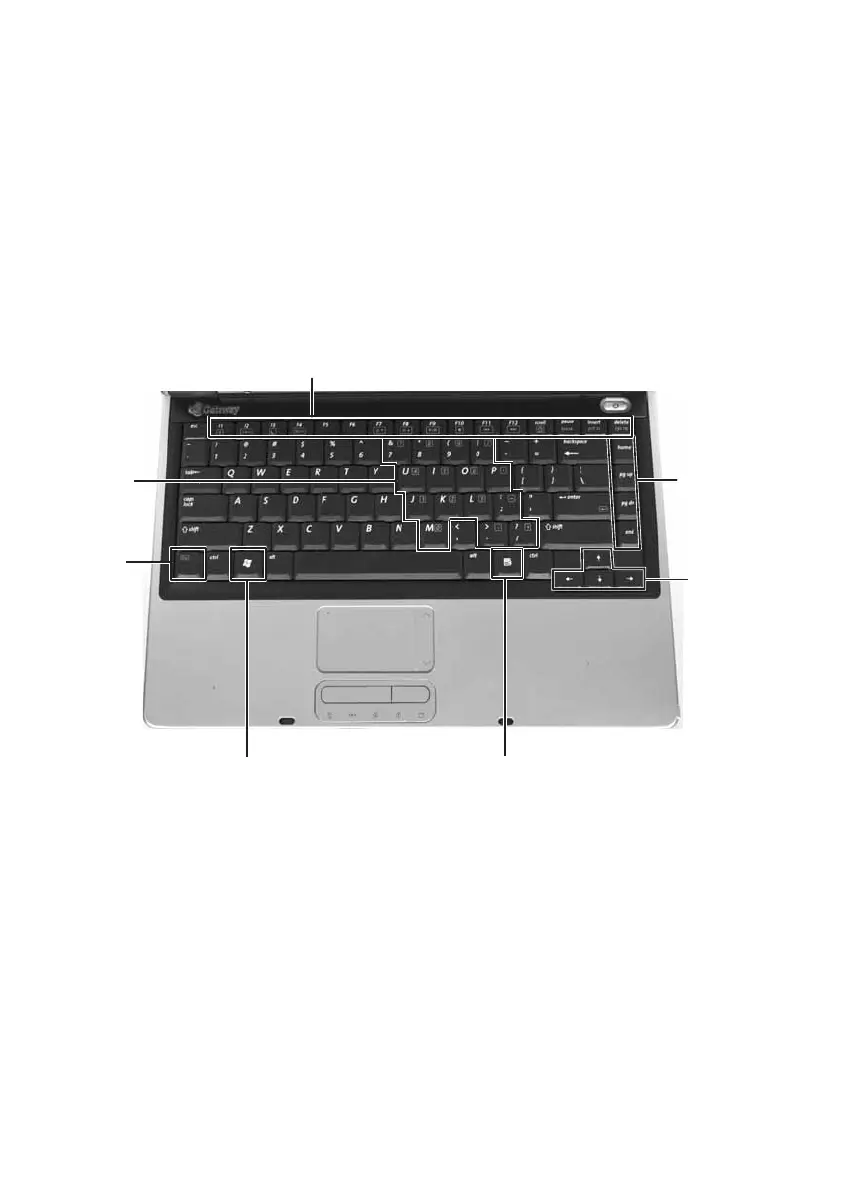
Using the keyboard
Your notebook features a full-size keyboard that functions the same as a
desktop computer keyboard. Many of the keys have been assigned
alternate functions, including shortcut keys for Windows, function keys
for specific system operations, and the Num Lock keys for the numeric
keypad.
You can attach an external keyboard to the notebook using a USB port.
You do not need to shut down the notebook to connect a USB keyboard.
Function keys/System keys
Navigation
keys
FN key
Windows key
Numeric
keypad
Application key
Arrow
keys













 To Next Page