34
www.gateway.com
Chapter 3: Getting Started
Using the EZ Pad touchpad
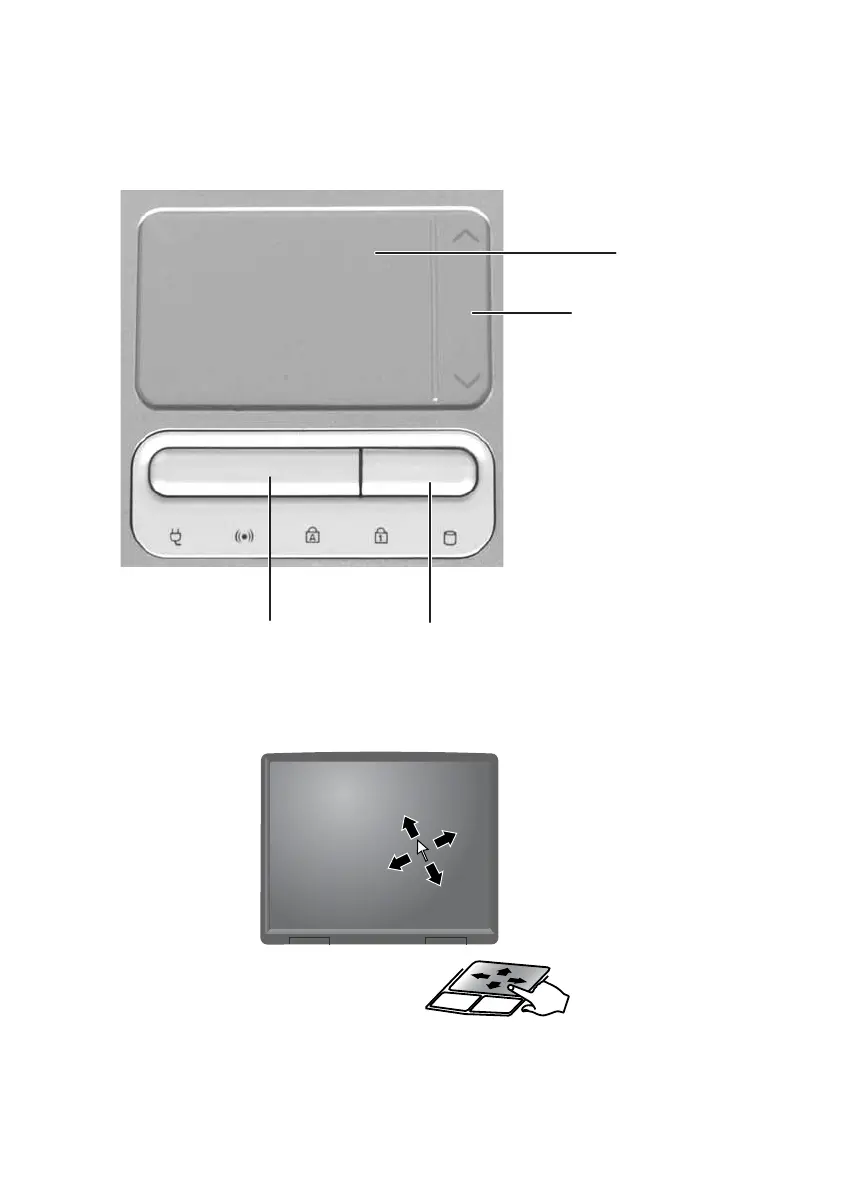
The EZ Pad™ consists of a touchpad, two buttons, and a scroll zone.
When you move your finger on the touchpad, the pointer (arrow) on the
screen moves in the same direction.
You can use the EZ-Pad left and right buttons below the touchpad to select
objects.
Touchpad
Left button Right button
Scroll
zone













 To Next Page