60
www.gateway.com
Chapter 6: Upgrading Your Notebook
5 Turn your notebook over so the bottom is facing up.
6 Remove the battery. For more information, see “Changing batteries”
on page 53.
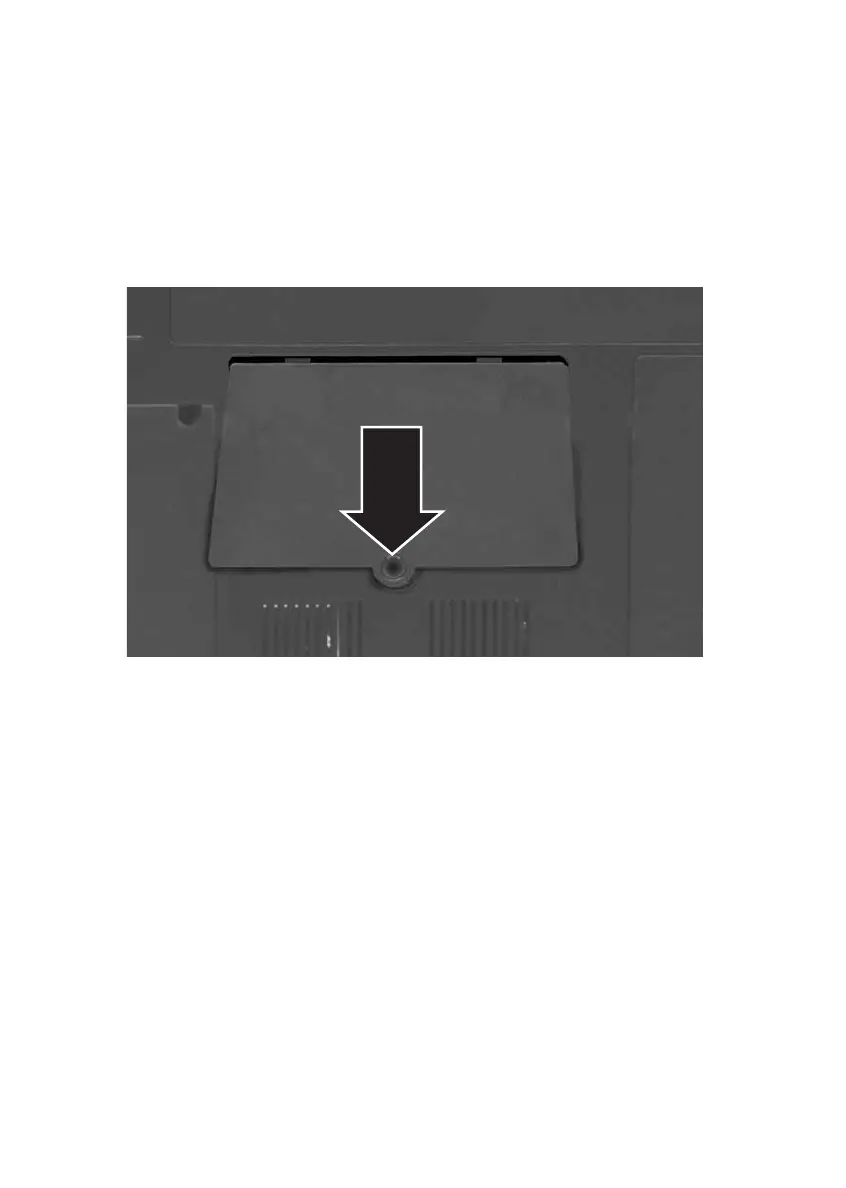
7 Remove the memory bay cover screw. For the location of the
memory bay, see “Bottom” on page 14.
8 Slide the memory bay cover, then remove it.













 To Next Page