Instructions for SL500DC/SL800DC
www.gatexpertstore.com
Note:
1. If there is no operation under the limit switch position setting for 60 sec., system will
automatically exit the setting.
2. If need to exit during setting, press “PROG” once to exit.
Remote Control Management
Operation Instruction:
1. Press “-” button for 2 sec. under standby mode to enter into the first function of remote
control management.
2. Different functions can be selected through “+” and “-” buttons.
3. Press “SET” button to enter into the corresponding parameter settings.
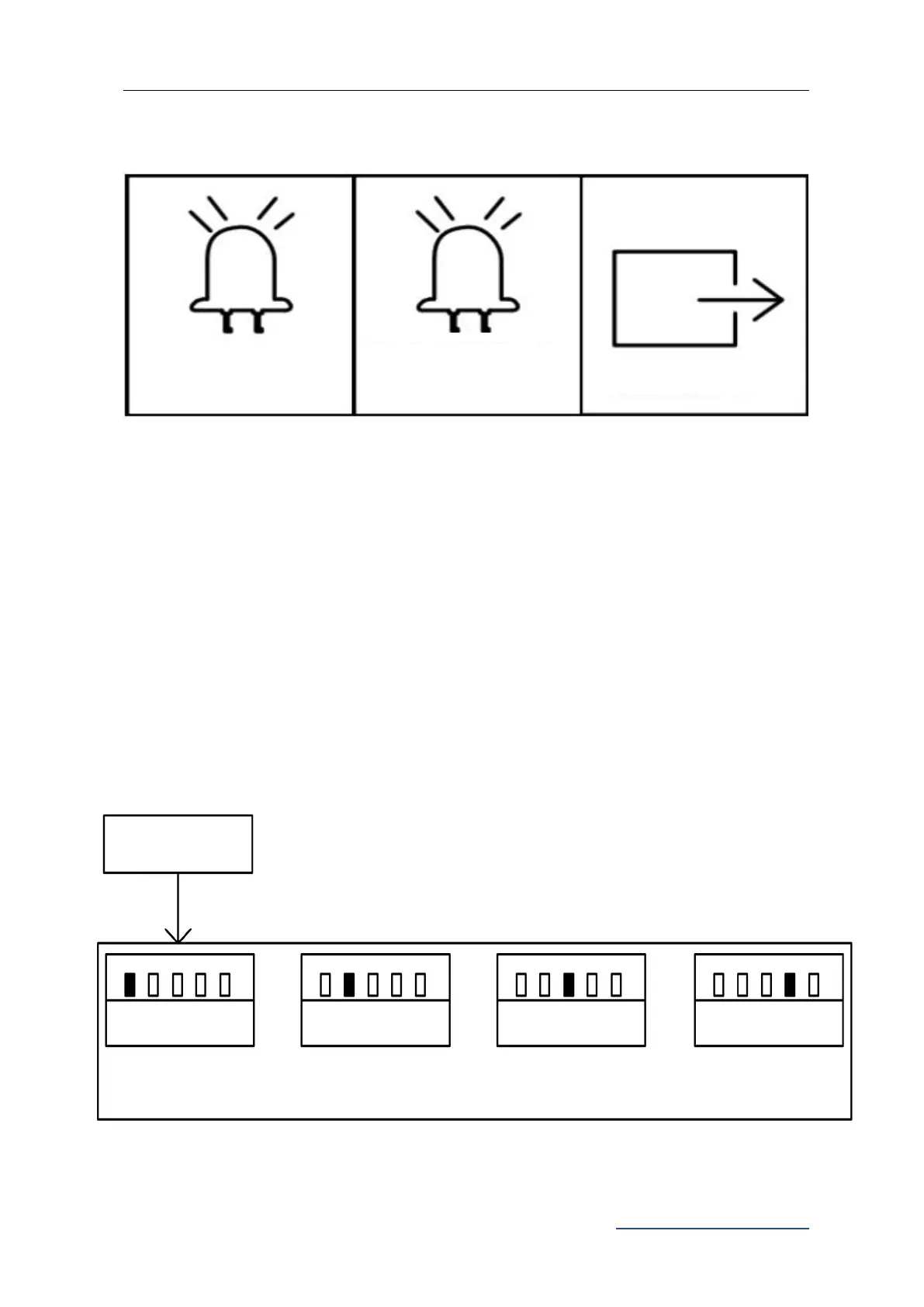
Figure 24
Single Button Mode
Learning
Three-Button Mode
Learning
Pedestrian Mode on
Remote Control
Remote Control Management
Press “-” button for 2 sec.
L1 to L5 will be on in sequence
L1-L5 will flicker once then off



 To Next Page