Instructions for SL500DC/SL800DC
www.gatexpertstore.com
Advanced Menu Setting
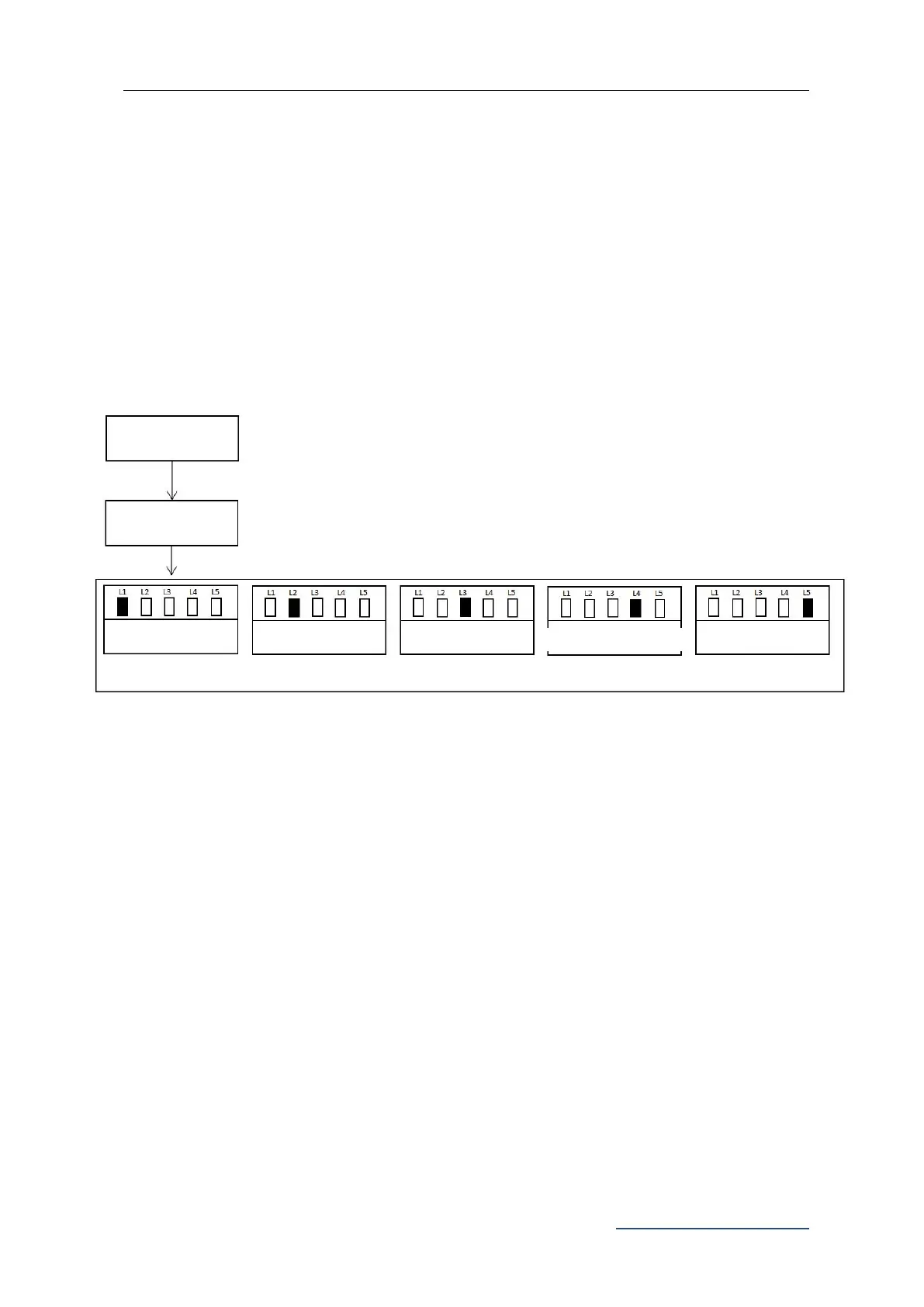
1. Press “PROG” button for 3 Sec. under the standby mode, indicator light L0 will flicker
once to enter into basic menu setting. Press “PROG” button again for 3 sec. indicator
light L0 will flicker twice to enter into the advanced menu setting.
2. Different functions can be selected through “+” and “-” buttons.
3. Press “SET” button to enter into the selected function settings
Figure 28
Working Mode Setting (L1)
Due to the usage for this product is different for users from different regions, the control
board for this product offers 3 different working modes for users to choose.
1. Standard Mode (L1):
Terminals for external buttons:
OSC: Single button control PED: Pedestrian button STP: Stop button
2. Three Button Mode (L2):
Terminals for external buttons:
OSC: Opening button PED: Closing button STP: Stop button
3. Community Mode (L3):
Terminals for external buttons:
Opening Direction Setting
Press “PROG” button for 3 sec., indicator light L0 will flicker once
Press “PROG” button again for 3 sec., indicator light L0 will flicker twice



 To Next Page