Instructions for SL500DC/SL800DC
www.gatexpertstore.com
Indicator light L1 will be on.
2. Press “+" button three times to select remote control delete option. Indicator light L4
will be on.
3. Press “SET” button once to enter into remote control delete option. Indicator lights
L1-L5 will be steady on.
4. Press and hold “SET” button for 2 sec. will delete all remotes and it will automatically
exit. Indicator lights will be off in sequence from L5 to L1, after which indicator lights
L1-L5 will be on for one sec.
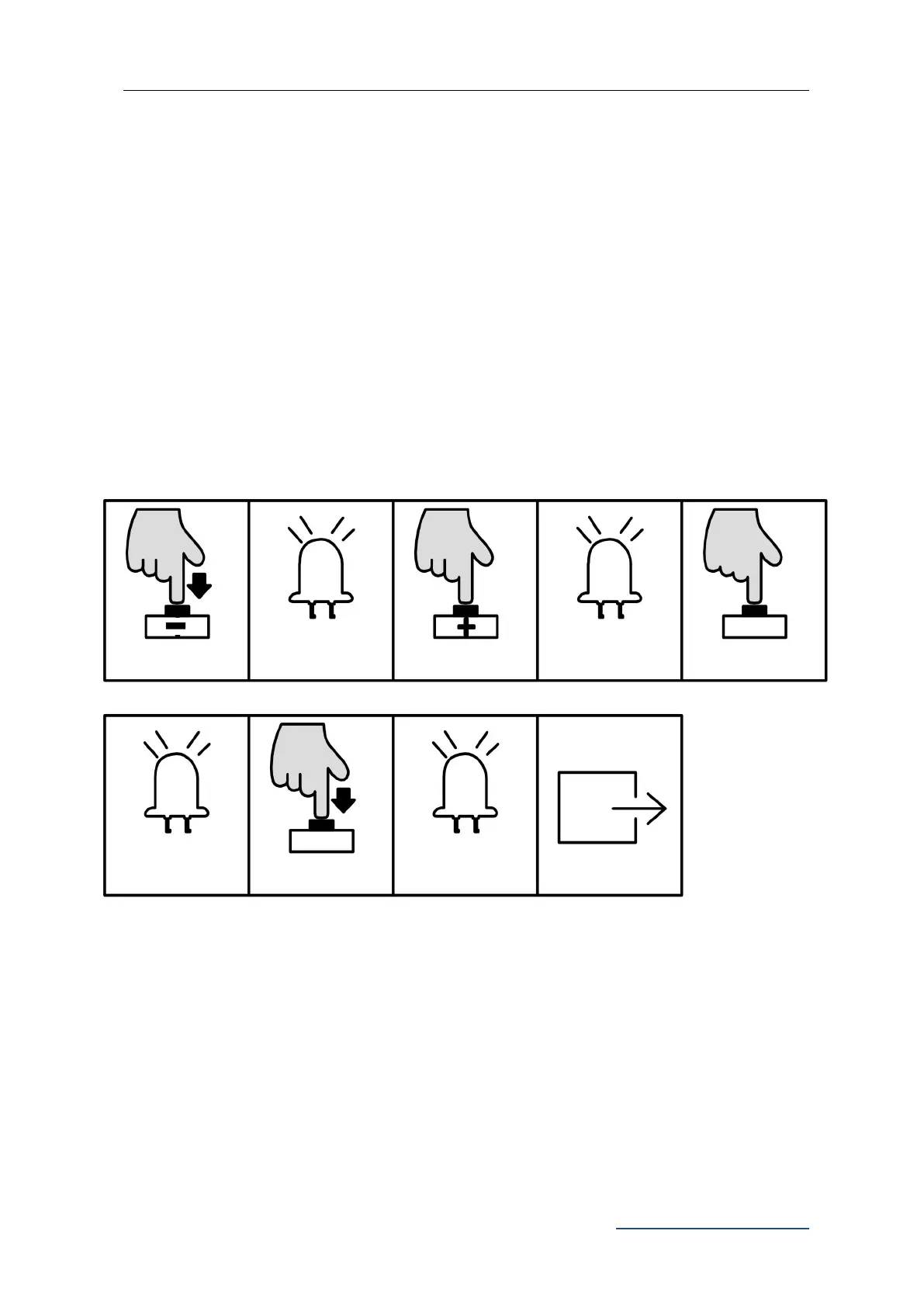
B. Operation Graphic Illustration:
Remote Control Quick Learning
Remote control quick learning function enables user to pair the remote controls without
opening the motor cover.
Precondition:
1. To have one remote control that has already been paired.
L1-L5 will be on in
sequence, all
together flicker once



 To Next Page