Instructions for SL500DC/SL800DC
www.gatexpertstore.com
Reverse When Meeting Obstacles Setting (L3)
During the gate opening or closing, accidental collision with obstacles may pose a threat to
people and property. In order to prevent impact of such collision, users may adjust the
sensitivity of meeting obstacles to reduce the impact damage.
A. Operation Instruction:
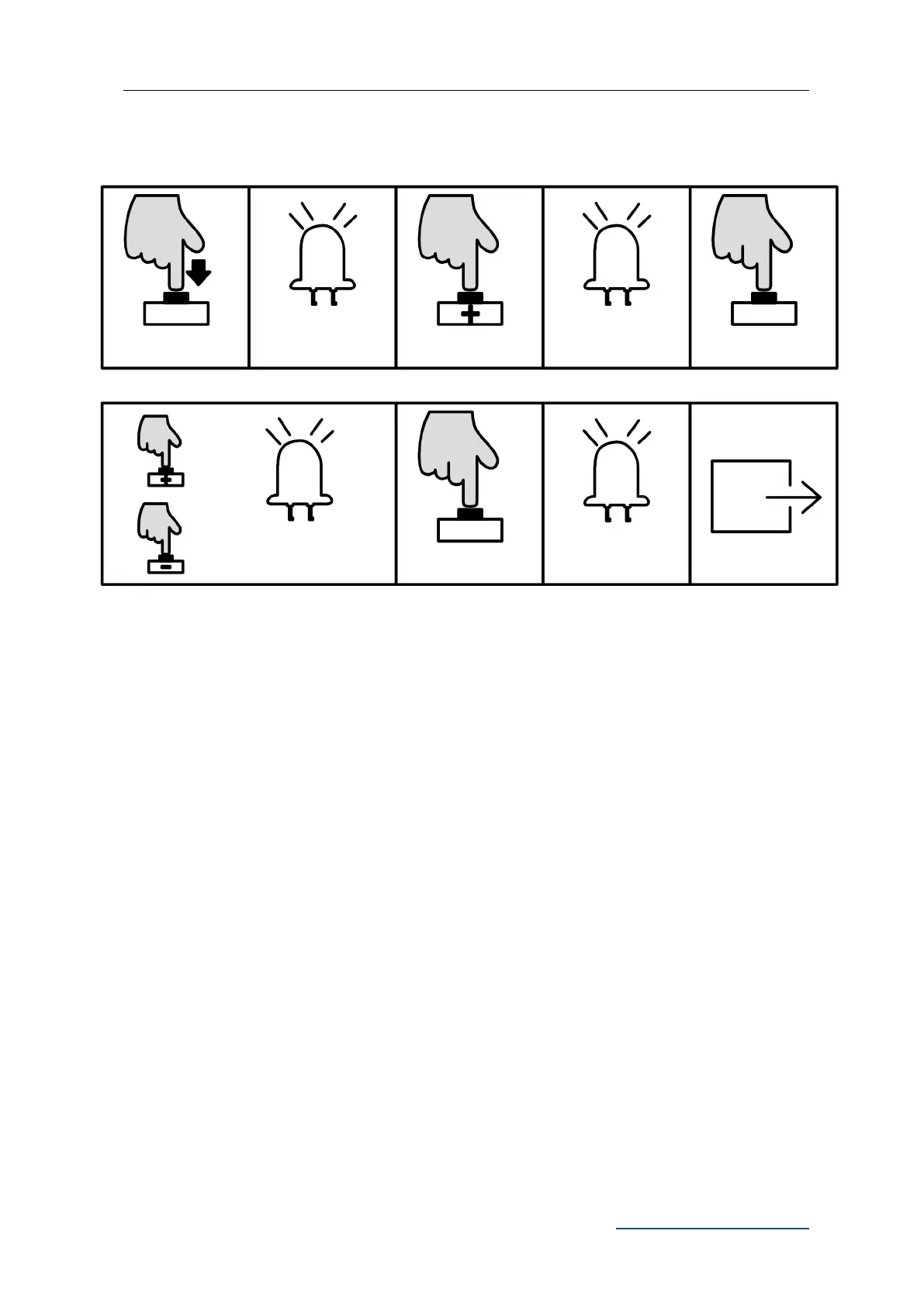
1. Press “PROG” button for 3 sec. to enter into basic menu. Indicator light L0 will flicker
once, then L1 will be steady on.
2. Press “+” button twice to select the reverse option. Indicator light L3 will be steady
on.
3. Press “SET” button once to enter into setting mode. Indicator lights L1-L5 will show
the current setting. (The default is L2)
4. Press “+” or “-” button to set the sensitivity of meeting obstacles. Indicator lights
L1-L5 will show the different sensitivity of meeting obstacles. The less the indicator
lights are on, the more the sensitivity will be. L1-L5 are all off means to cancel the
Auto-reverse function.
L0 flicker once, L1
will be steady on
Press “+” or “-” to set, LED
will show the setting value
L1-L5 will be on in
sequence then all
flicker once and off.



 To Next Page