Instructions for SL500DC/SL800DC
www.gatexpertstore.com
Emergency Stop Distance Setting(L1)
This setting is to change the distance of emergency stop during gate running. A longer
distance will reduce the damage to the gate brings by impact force of emergency stop.
Users can set the distance to their required.
A. Operation Instruction:
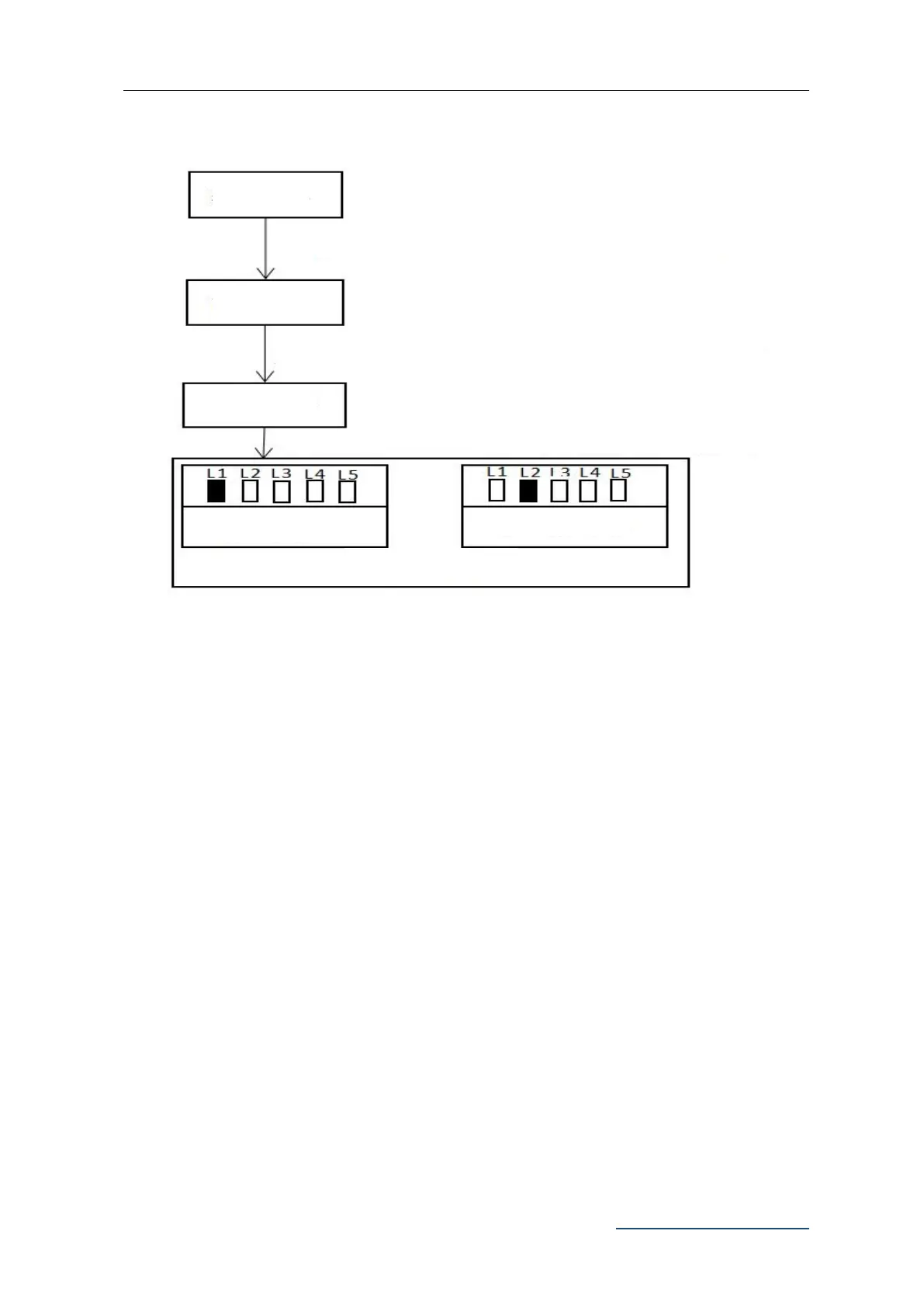
1. Press and hold “PROG” button for 3 sec. to enter into basic menu. Indicator light L0
will flicker once, then L1 will be steady on.
2. Press “PROG” button again for 3 sec. to enter into advanced menu. L0 will flicker
twice, then L1 will be steady on.
3. Press “PROG” button for 3 sec. for the third time to enter into other menu setting. L0
will flicker three times, then L1 will be steady on.
4. Press “SET” button once to enter into emergency stop distance setting. Indicator
light L1 to L5 will show the current setting value. (Default is L2)
Press “PROG” for 3 sec., L0 will flicker once
Press “PROG” again for 3 sec., L0 will flicker twice
Emergency Stop Distance
Setting
Press “PROG” for 3 sec. for the third time, L0 will flicker three times



 To Next Page