Instructions for SL500DC/SL800DC
www.gatexpertstore.com
5. Press “SET” button once to save the setting and system will automatically exit. The
indicator lights L1-L5 will be on in sequence, then all will flicker once and off.
B. Operation Graphic Illustration
Note: The default setting of this function is suitable for gate weighting 500kg and the
glide rail for running the gate is smooth, if this function is not workable or reverse
frequently, please adjust the settings to reduce or increase a little bit.
Slow Stop Distance Setting (L4)
Setting a slow stop distance enables the gate to run more smoothly, which will extend the
service life of gate and gate opener.
A. Operation Instruction:
1. Press and hold “PROG” button for 3 sec. to enter into basic menu. Indicator light L0
will flicker once, then L1 will be steady on.
2. Press “+” button three times to select slow stop distance option. Indicator light L4 will
be steady on.
3. Press “SET” button once to enter into slow stop distance setting. Indicator lights
L1-L5 will show the current distance of slow stop. (The default is L4)
4. Press “+” or “-” button to set the slow stop distance. Indicator lights L1-L5 will show
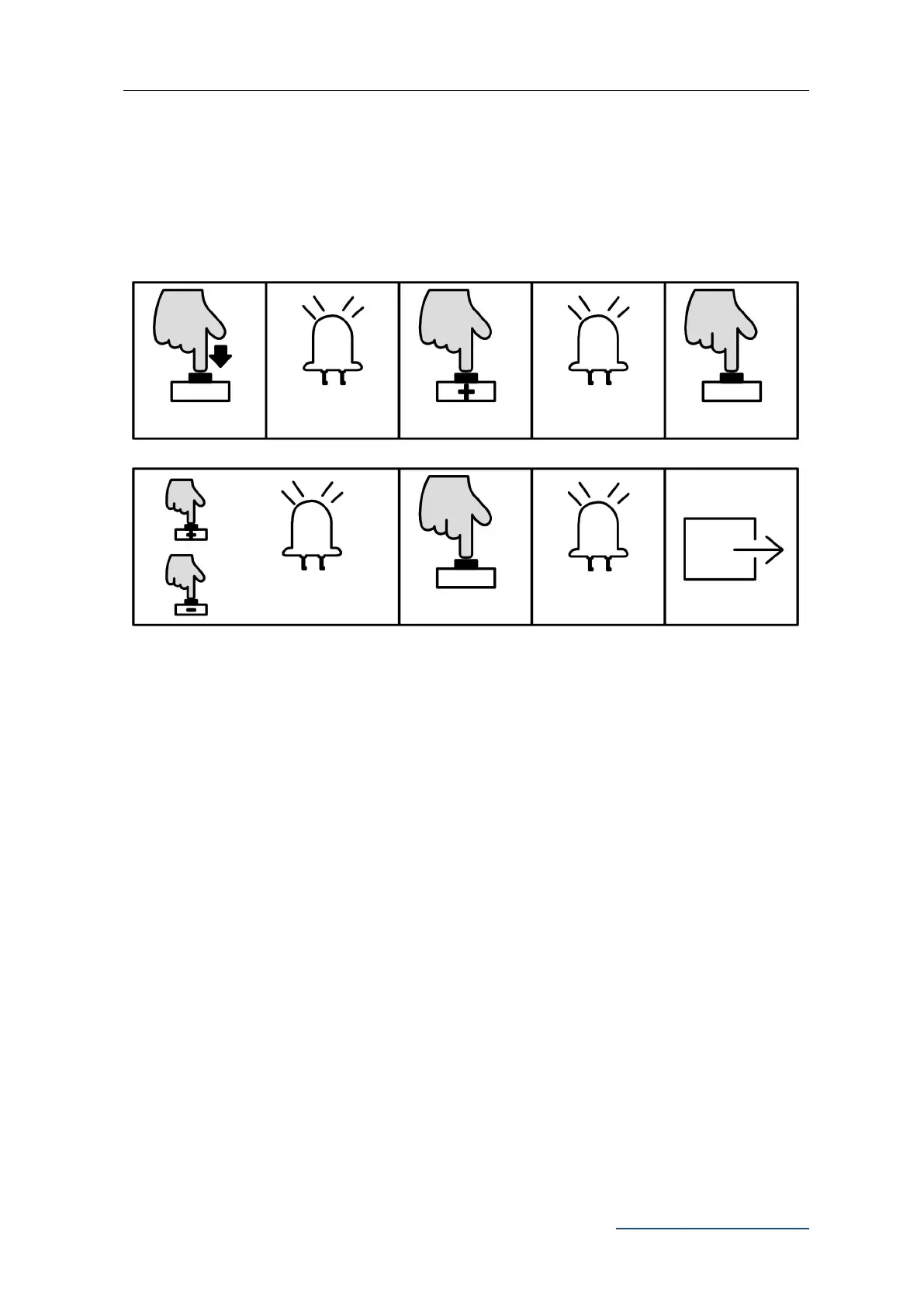
L0 flicker once, L1
will be steady on
Press “+” or “-” to set, LED
will show the setting value
L1-L5 will be on in
sequence then all
flicker once and off.



 To Next Page