Puma III User Manual
Installation 2-16
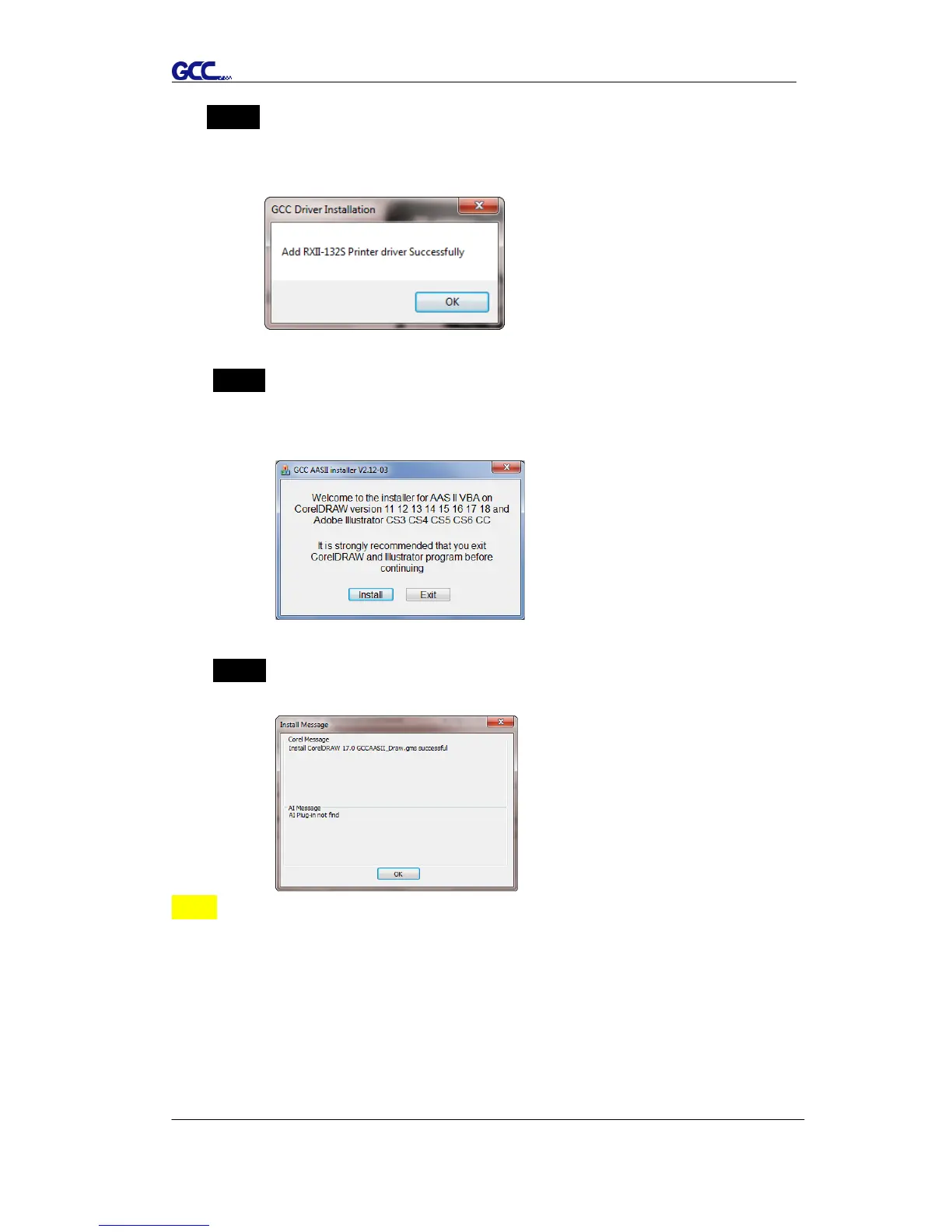
Step 7 The installation will take a few minutes to complete and you will see a
message below and click on “OK” upon completion. Enjoy your GCC
cutter!
Step 8 If you want to install AASII VBA on CorelDRAW and Adobe
Illusatrator, exit CorelDRAW and Adobe Illusatrator program, and
then click on“Install.”
Step 9 Check Install Message to confirm CorelDRAW and AI version and
then click OK.
Note:
(1) If the driver is being installed for a second time, the user will be
prompted as to whether a second copy of the driver installation is
required.














 To Next Page