Puma III User Manual
Installation 2-32
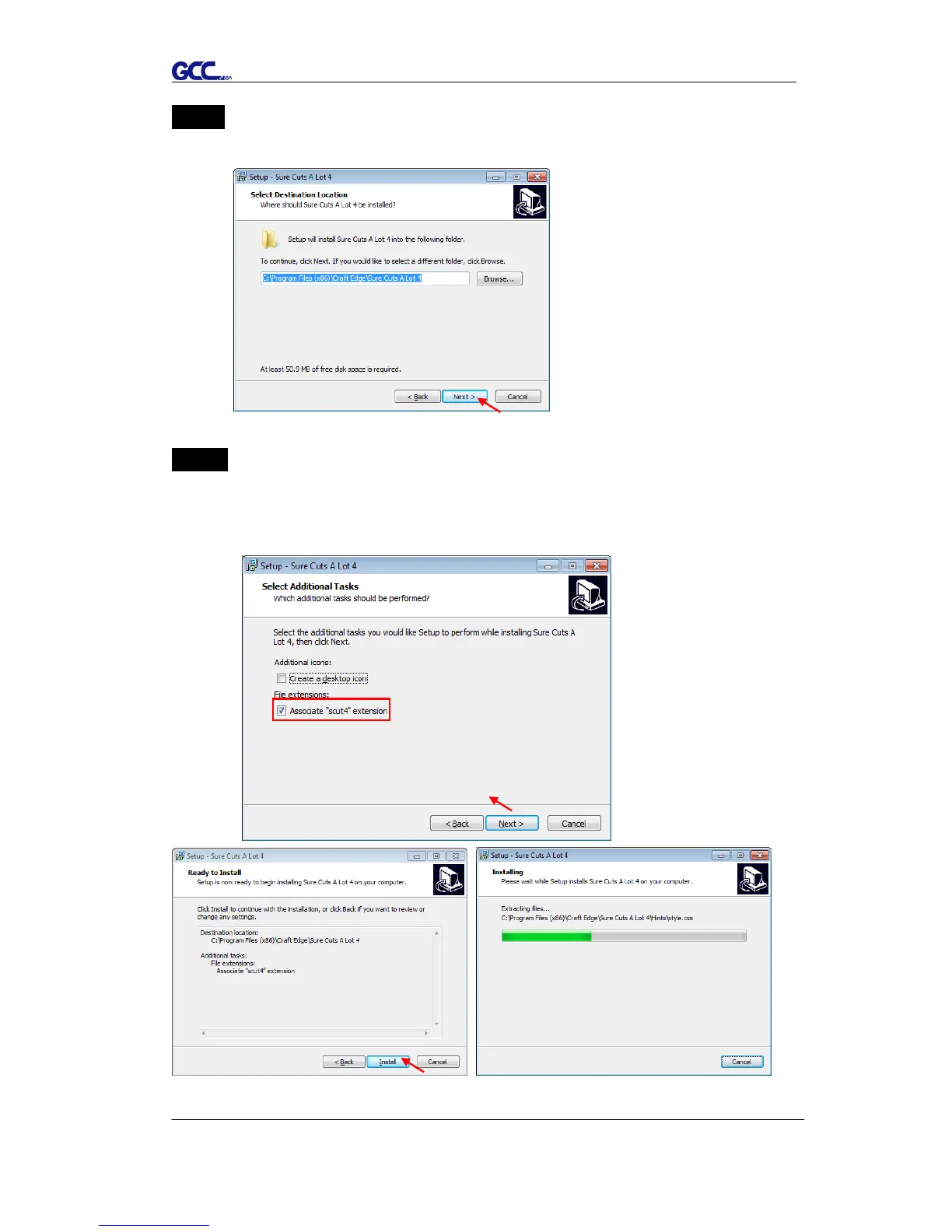
Step 5 Use the default folder (suggested) or select a folder you want to install the
Sure Cuts A Lot and press “Next.”
Step 6 Tick “Create a desktop icon” if you want to create a shortcut on your
desktop, and tick “Associated scut4 extension” to associate the scut4
extension file with Sure Cuts A Lot software. Then press “Next” to start
the installation.














 To Next Page