Puma III User Manual
Installation 2-33
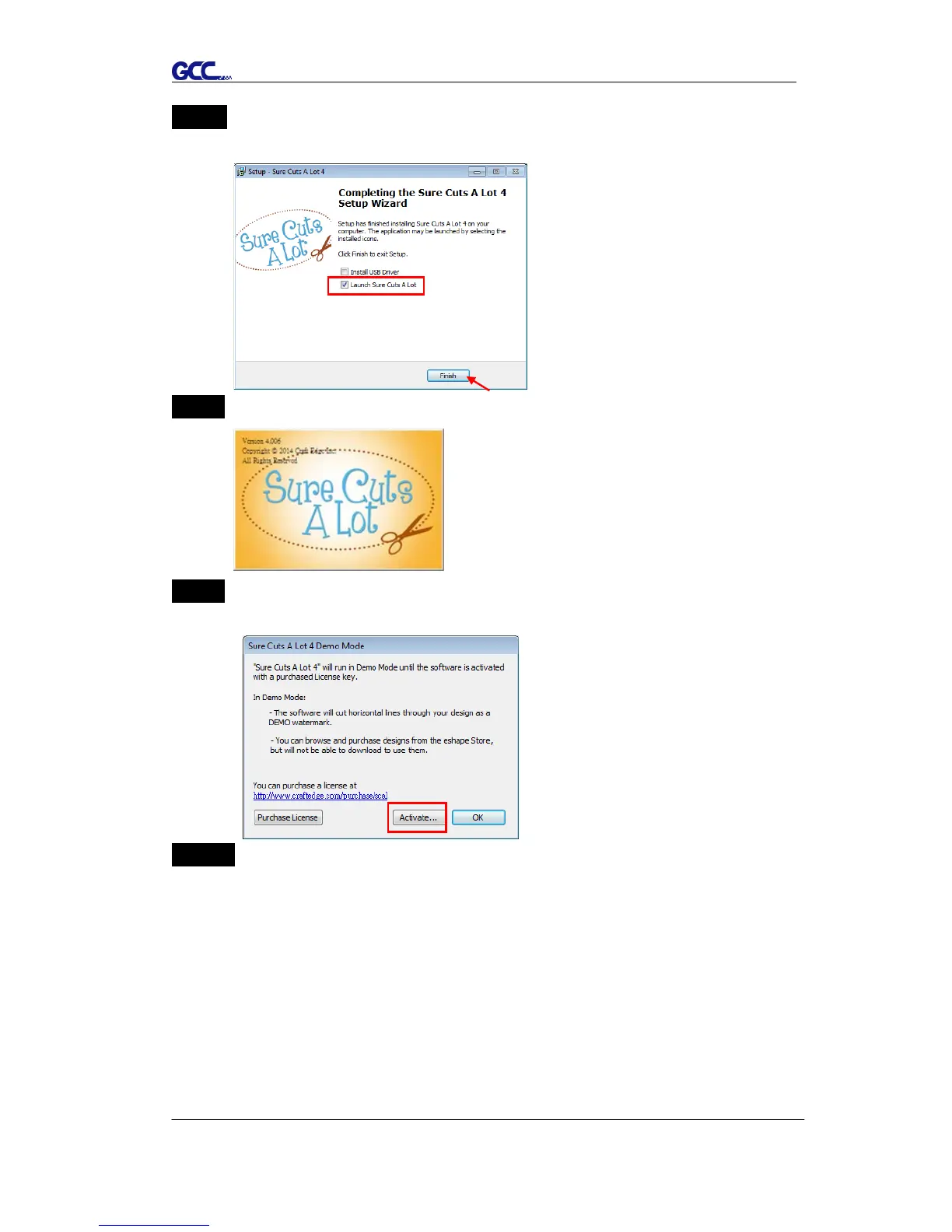
Step 7 Don’t tick “Install USB Driver” and tick “Launch Sure Cuts A Lot,” and
then press “Finish” to compete installation.
Step 8 Run Sure Cuts A Lot.
Step 9 Press “Activate…”to activate Sure Cuts A Lot. Please make sure it is
connected to the internet.
Step 10 Put your name in the Name column and enter the 25-letter software key
shown on the DVD front cover to the Serial column and press “OK” to
complete the activation.














 To Next Page