RX series User Manual
CorelDRAW Plug-In A-3
Note:
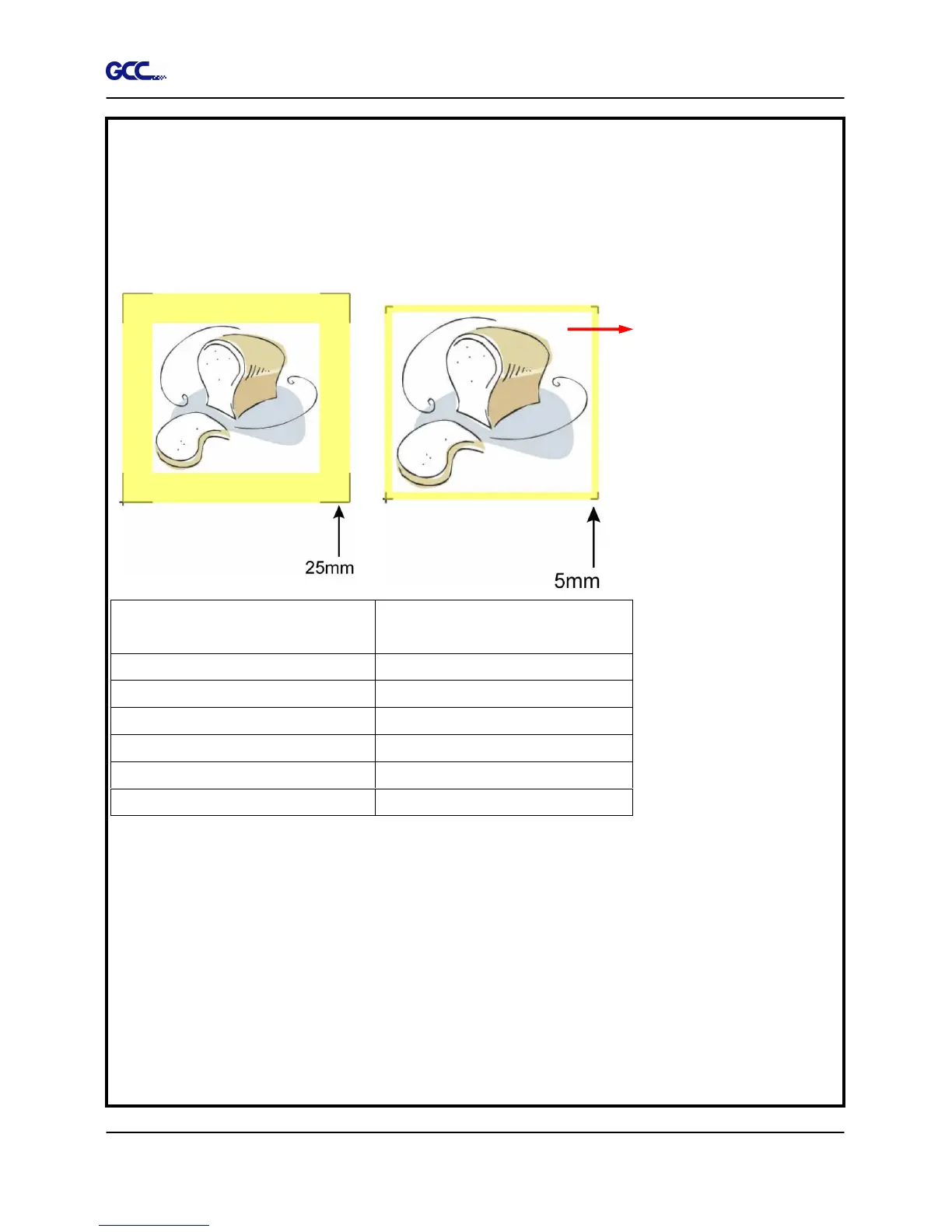
To save your materials, in addition to amending object margins, you can also adjust the
length of the registration marks (5mm minimum) when you apply 4-Point Positioning (see
table 1 for suggestions based on different material sizes). The smaller the size is, the smaller
the distance between the object and the registration marks is (see the figures below).
Page size
(unit: mm)
Suggested mark length
(unit: mm)
A6 (105 x 148) 5
A5 (148 × 210) 8
A4 (210 × 297) 11
A3 (297 × 420) 16
A2 (420 × 594) 23
A1 (594 × 841) and above
25*
Table 1
*25mm is the suggested value for the registration mark length
2. The size of the registration marks would affect the accuracy of registration mark detection
so please make sure the amount you enter is reasonable.
3. If you change the paper size, you will have to reset the registration marks otherwise the
previous setting will be applied.







 To Next Page