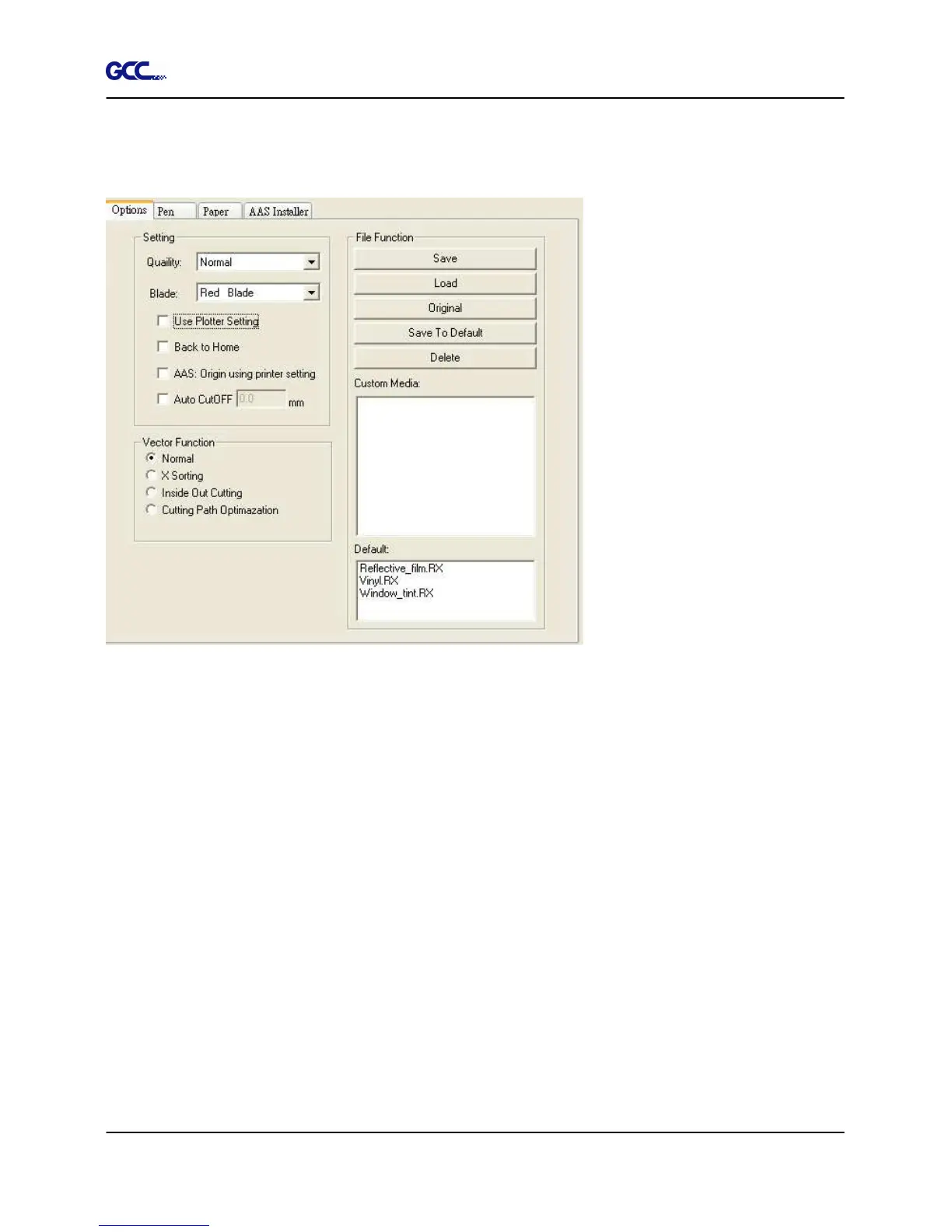
4.7 RX series Print Driver setting
4.7.1 RX series Print Driver setting > Option Page
Setting: You can adjust the following settings, depending on your application or results you
would like to achieve.
Quality:
[Slower speeds / higher quality - Faster speeds / lower quality]
The Cutting Quality setting function allows you to adjust and balance vector mode’s quality and
speed settings based on your specific job. Draft Mode offers the highest output speed,
sacrificing quality. Whereas Small letter Mode offers the highest quality, sacrificing output
speed. Keep in mind that speed and quality are usually at a tradeoff.
Blade:
Choose the blade type used for this job.
Use Plotter Setting:
The parameter settings will be set according to those set from the control panel.







 To Next Page