RX Series User Manual
Installation 2-21
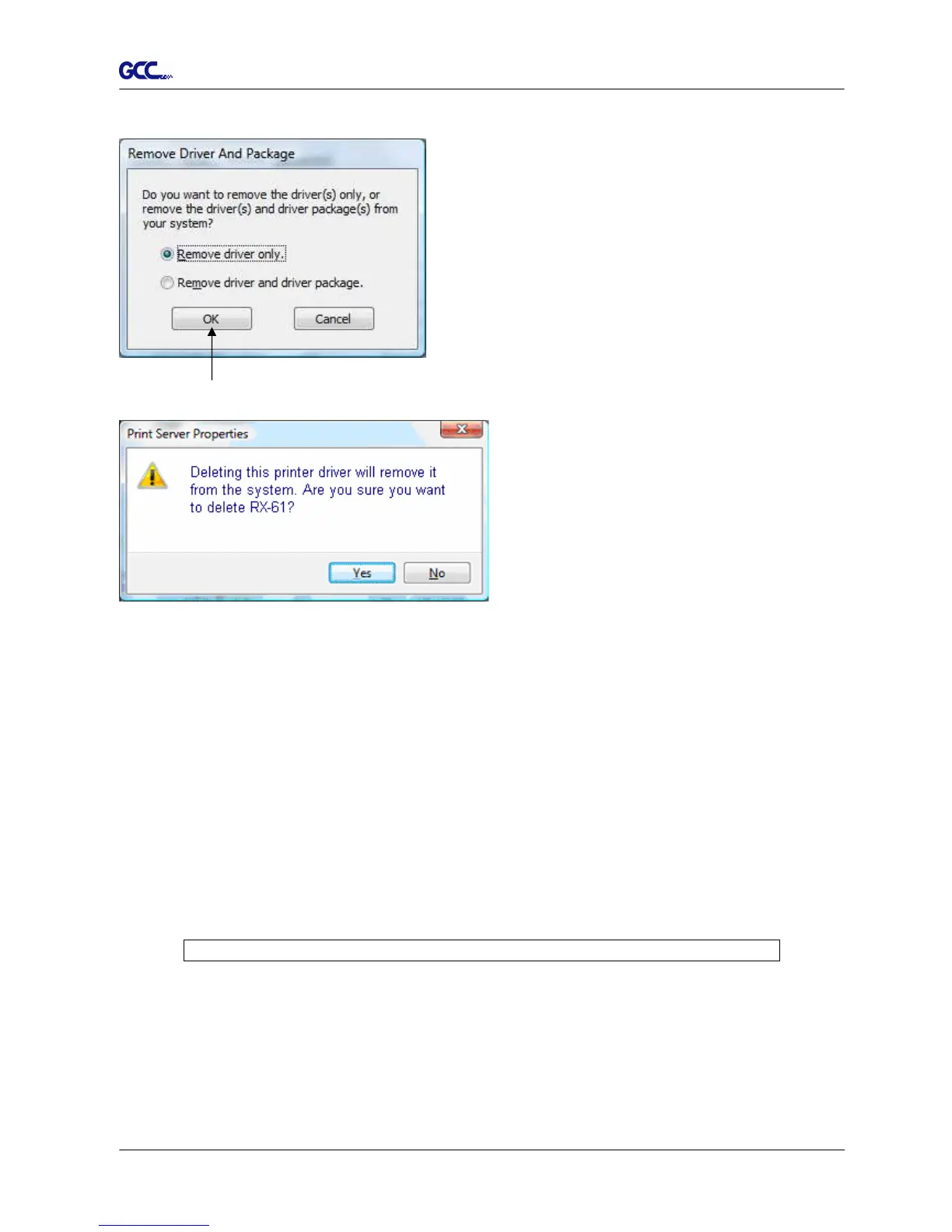
Select the model and click on “Remove”.
Click on “OK”
Click on “Yes”
The driver installed on PC is completely removed.
2.7.3 RS-232 Interface
Connecting to the RS-232 (Serial) Port
1. For IBM PC, PS/2 users or compatibles, connect the RS-232C cable to the serial
connector of the assigned serial port (COM1 or COM2) of your host computer.
2. Set up the communication parameters (Baud Rate and Data Bits/Parity) to match the
setting of software package, refer to chapter 3 – “Misc” key description.
Caution!! Please turn off the plotter before plugging the RS-232C cable.







 To Next Page