EasyManua.ls Logo

GCC Technologies RX Series - Appearance of RX Series; The Front View

Default Icon
178 pages
Print Icon
To Next Page IconTo Next Page
To Previous Page IconTo Previous Page
Loading...
RX Series User Manual
General Information 1-3
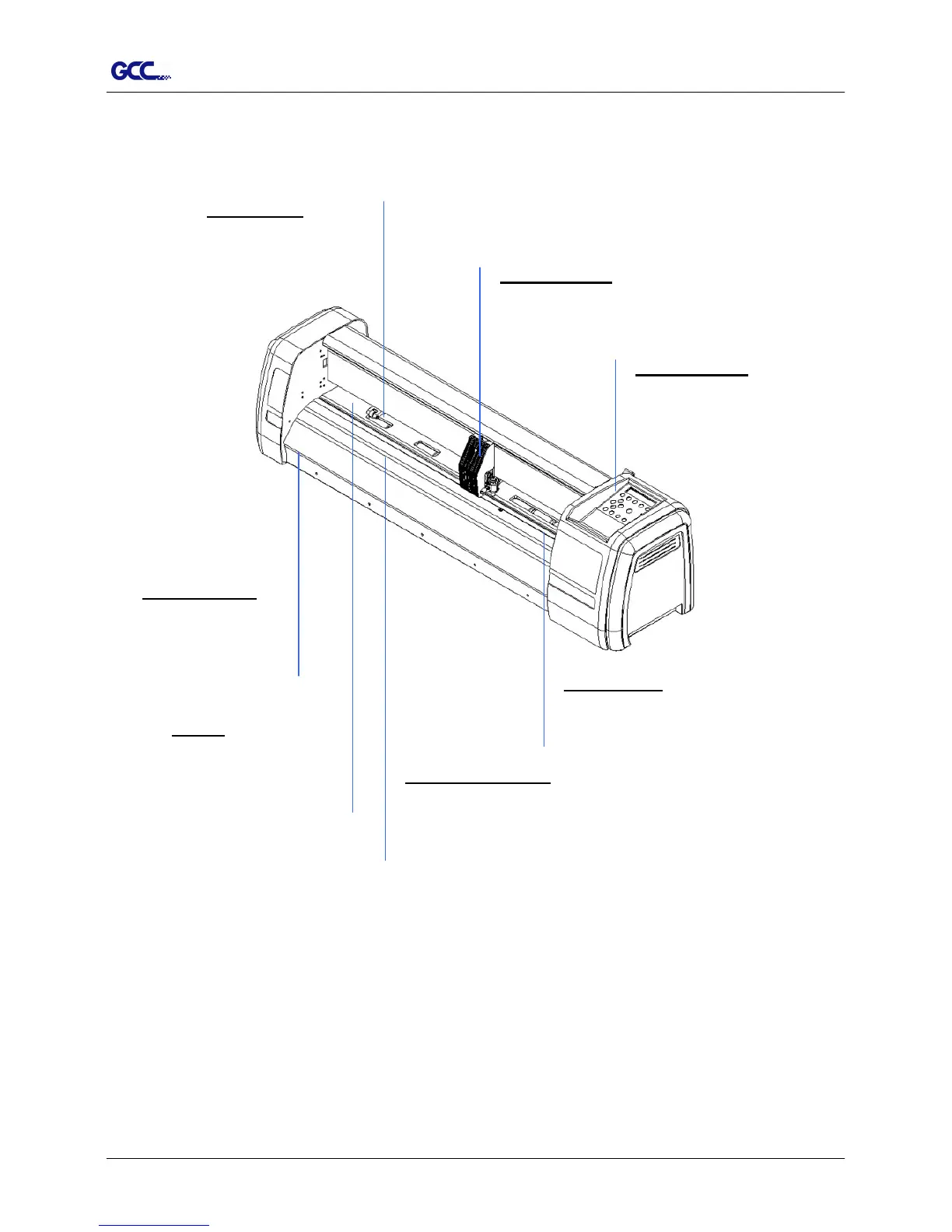
1.4 Appearance of RX Series
1.4.1 The Front View (Figure 1-1)
Control panel
consists of 14
control keys and 1 LED and 1 LCM
showing messages and menus.
Cutting Pad
provides the
protection of blade when the blade is
cutting.
Tool Carriage
performs the
cutting with the installed blade
and pen with AAS module.
Alignment Rulers
media can be aligned
with the clear guide line
marks.
Grid Drums
move
the media back and
forth during operation.
Slicer Groove
slice off the extra
media easily along
this groove.
Platen
provides the
surface for holding and
supporting media
while
performing cutting.
Figure 1-1

Table of Contents

Related product manuals