Image Scaling
(Pen
Page)
The Image Scaling function can allow you to set the image scale of media length and width to
decrease the difference between the actual length and the ideal length caused by various
media used while processing cutting job.
4.7.3 RX series Print Driver setting > Paper Page
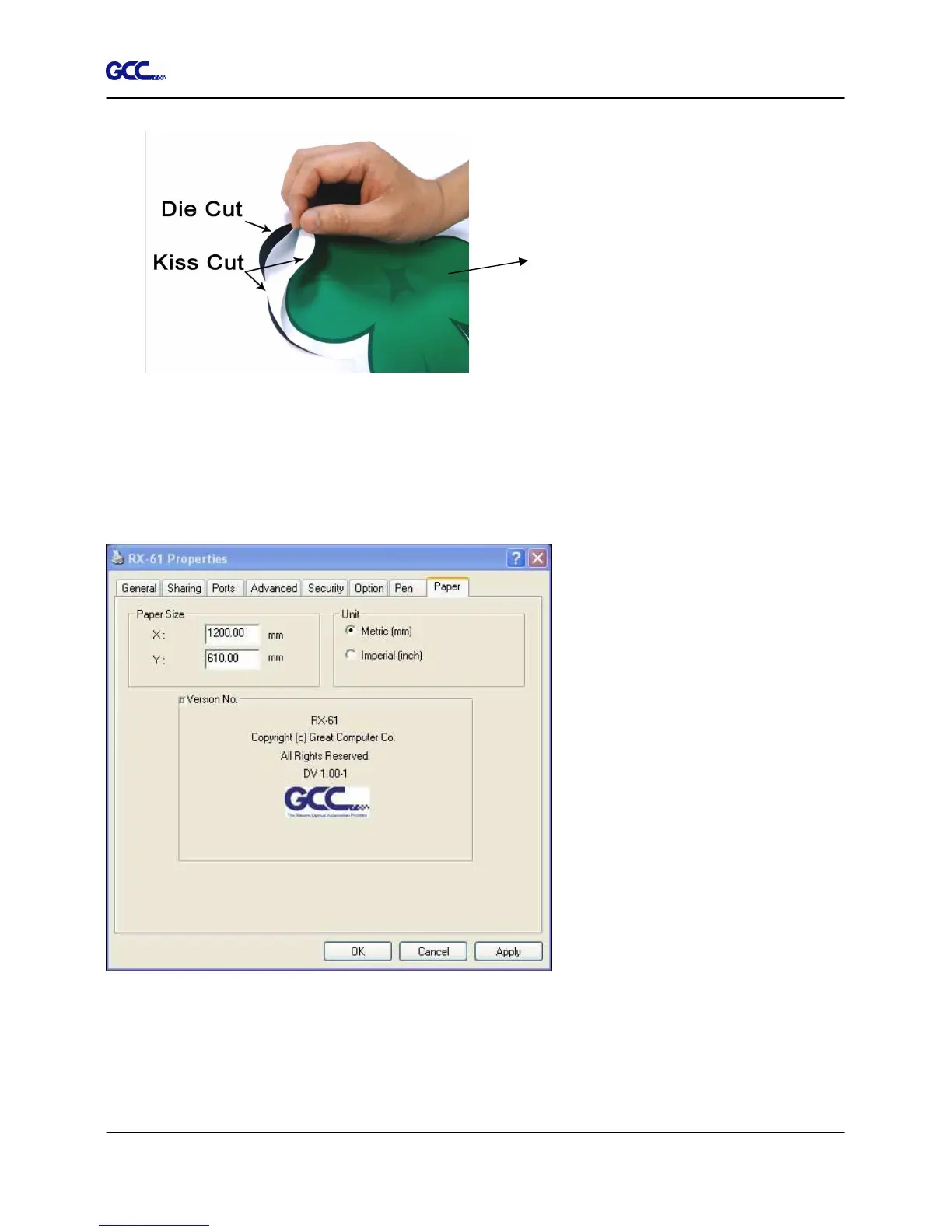
Paper Size (Paper Page) [DEFAULT SETTING: Y = the width of machine; X will be
automatically set to be twice the length of Y]
Figure 4-26







 To Next Page