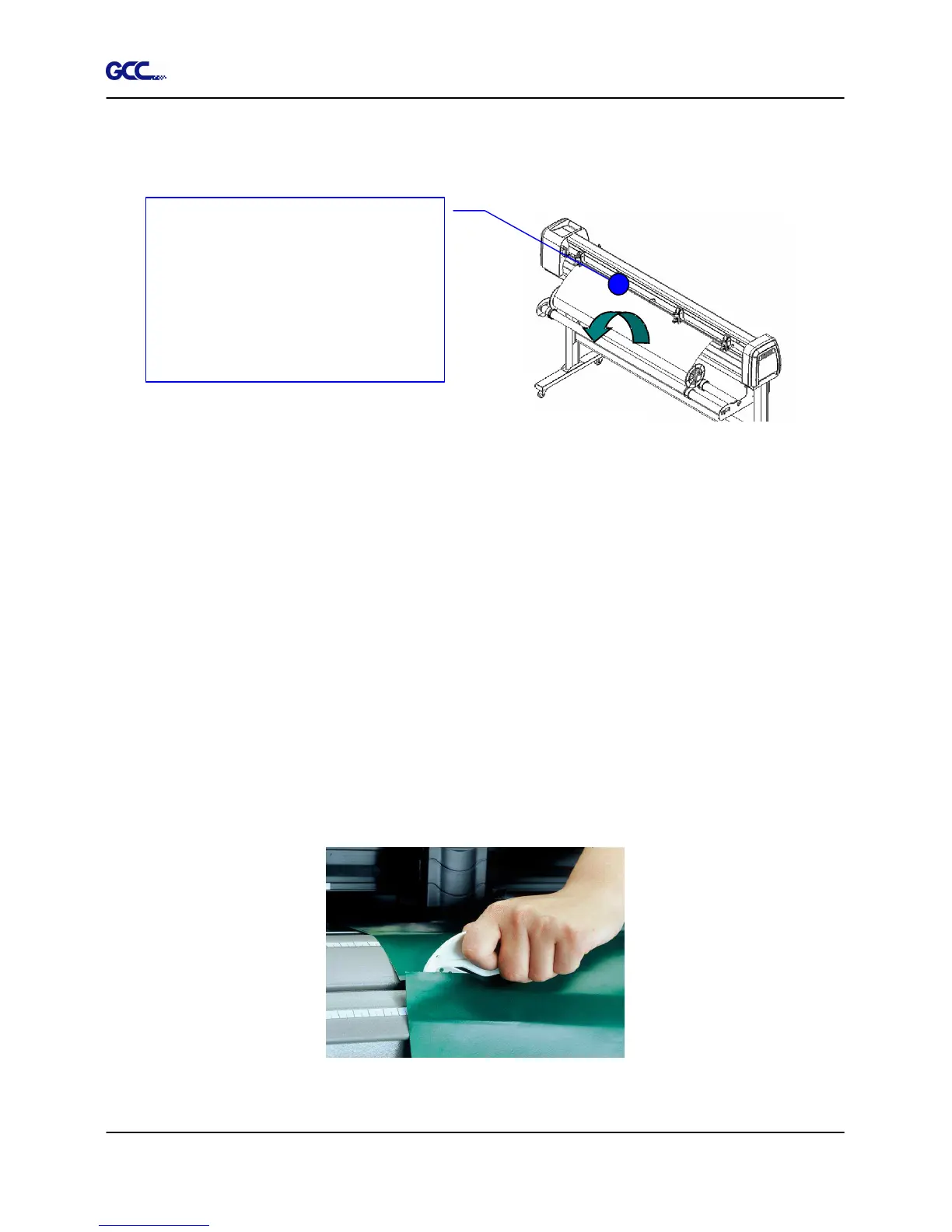
Then turn the roll downward to make an equal tension across the media
(See Figure 4-16)
4. Engage pinch rollers.
5. Fixes roll media guide bushes on the roll holder to secure the roll media.
6. The protrusion length of the blade should be longer than the thickness of the vinyl.
(Please check the “Blade Specification: About the Tool” in Appendix.) After you
notice all the above, you’ll enjoy your gigantic signs production!
4.6 When Completing the Cutting Job
After completing the cutting job, raise the sheet-loading lever, and then remove the material.
You can also cut off the finished job by the Safe Blade (a standard accessory) along the knife
guide. (Figure 4-17). Or move the carriage to the position you want to cut off the material and
then press the “CUT OFF” button on the control panel. The material will be cut off automatically.
Make sure that the media
tension is equally distributed
from left to right. If the media is
not tight enough against the
platen, it will cause tracking
problems.
Figure 4-16
Figure 4-17







 To Next Page