AASII VBA Installer is applicable for Illustrator Version CS4, CS5, CS6, CC.
Installation
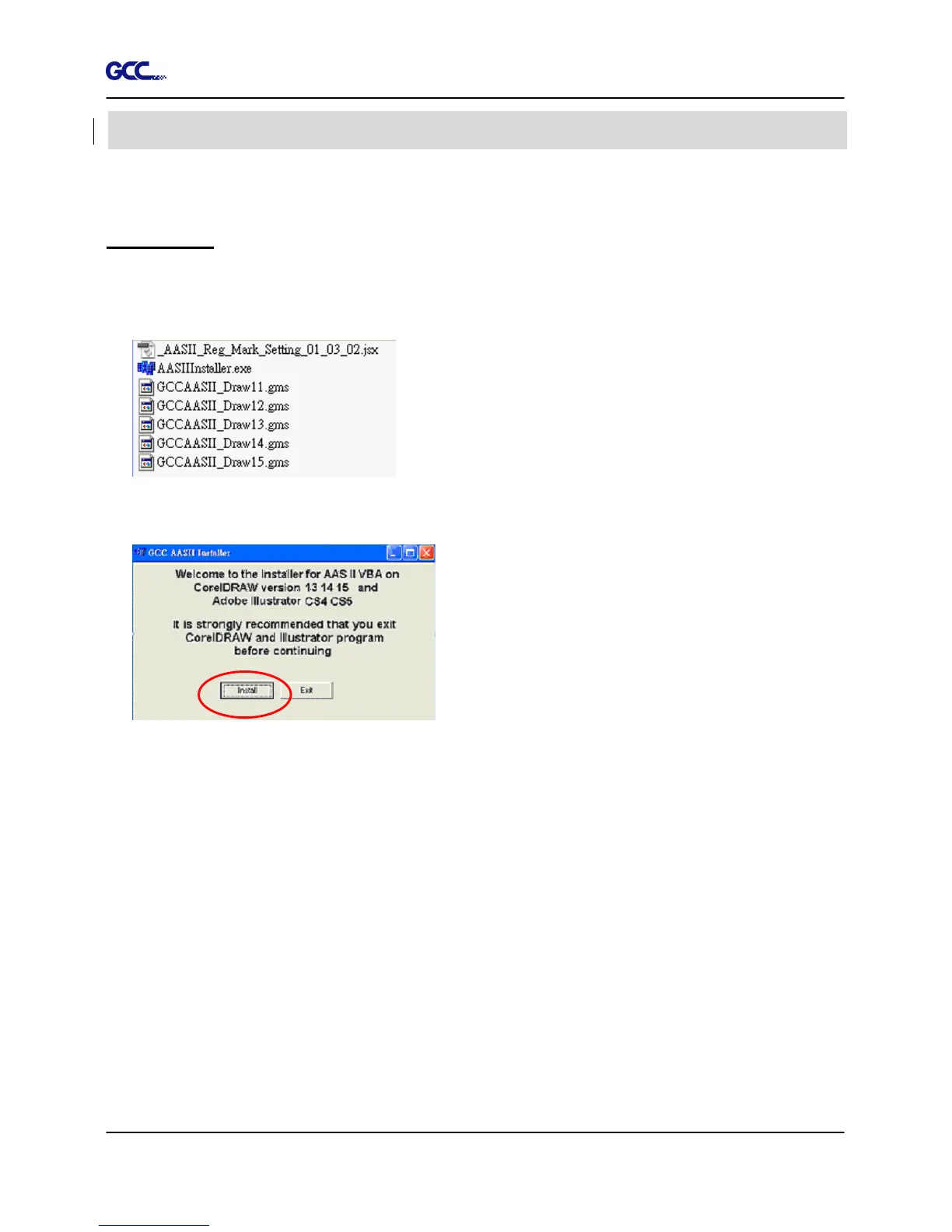
1. Check the “AAS Illustrator Installer” folder in RX series Installation CD, and double click
the “AASIIInstaller.exe” file to run the installation program.
2. Press the “Install” button to begin installing GCC AASII Illustrator VBA.
Illustrator Plug-In Instruction







 To Next Page