RX Series User Manual
Installation 2-15
2.7 Cable Connection
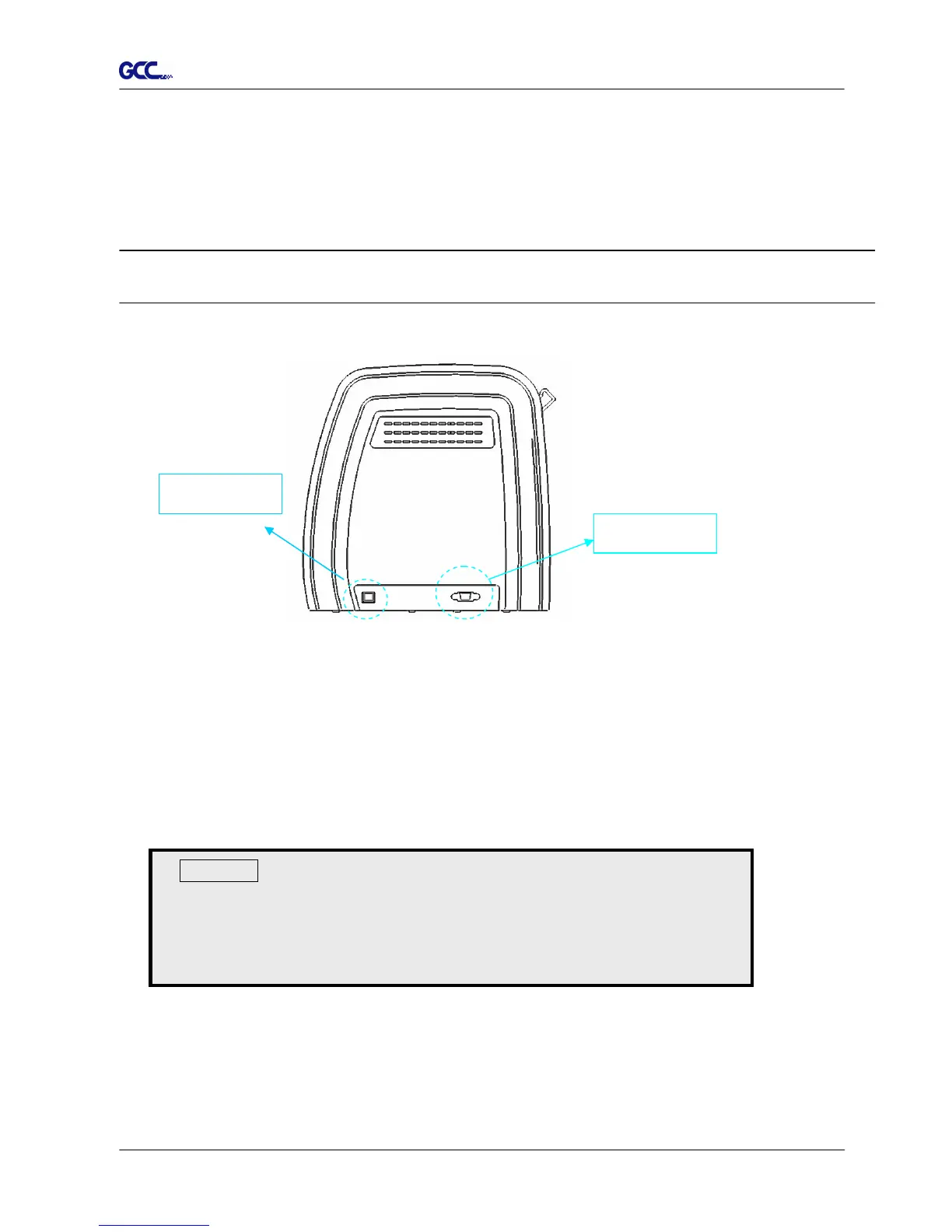
The cutting plotter communicates with a computer through a USB (Universal Serial Bus), or a Serial
port (RS-232C). This chapter shows you how to connect the cutting plotter to a host computer and
how to set up the computer/cutting plotter interconnection.
!! Notice: When USB connection is enabled, the serial port will be disabled automatically.
2.7.1 USB Interface
RX series build-in USB interface are based on the Universal Serial Bus Specifications
Revision 1.1. (Operation system of Windows 95, Windows NT don’t support USB ).
USB driver installation
Use the USB One-click Installation for quick driver installation. Follow the simple steps
below for driver setup.
Figure 2-22
Serial port
USB port
Caution!!
If you are using Windows 8/ 7/ Vista/ XP/ 2000 as your
operating system, make sure you log in using the
“Administrator” account.







 To Next Page