RX Series User Manual
Automatic-Aligning System
5-4
In-between distance on Y: 200-600mm, default 300mm
3. Multiple Copies
The function is used to duplicate images to let you cut quantities of images at a time.The
AAS II sensor will automatically scan registration marks for each individual image to ensure
the contour cutting precision.
Command: Esc.D3;(XCopies);(YCopies);(Space):
Layout:
5.3 Printer Test
Before performing AAS contour cutting, it’s recommended to print out a test file that you
can find in the enclosed Installation CD to make sure the AAS II cutting accuracy of RX
series.
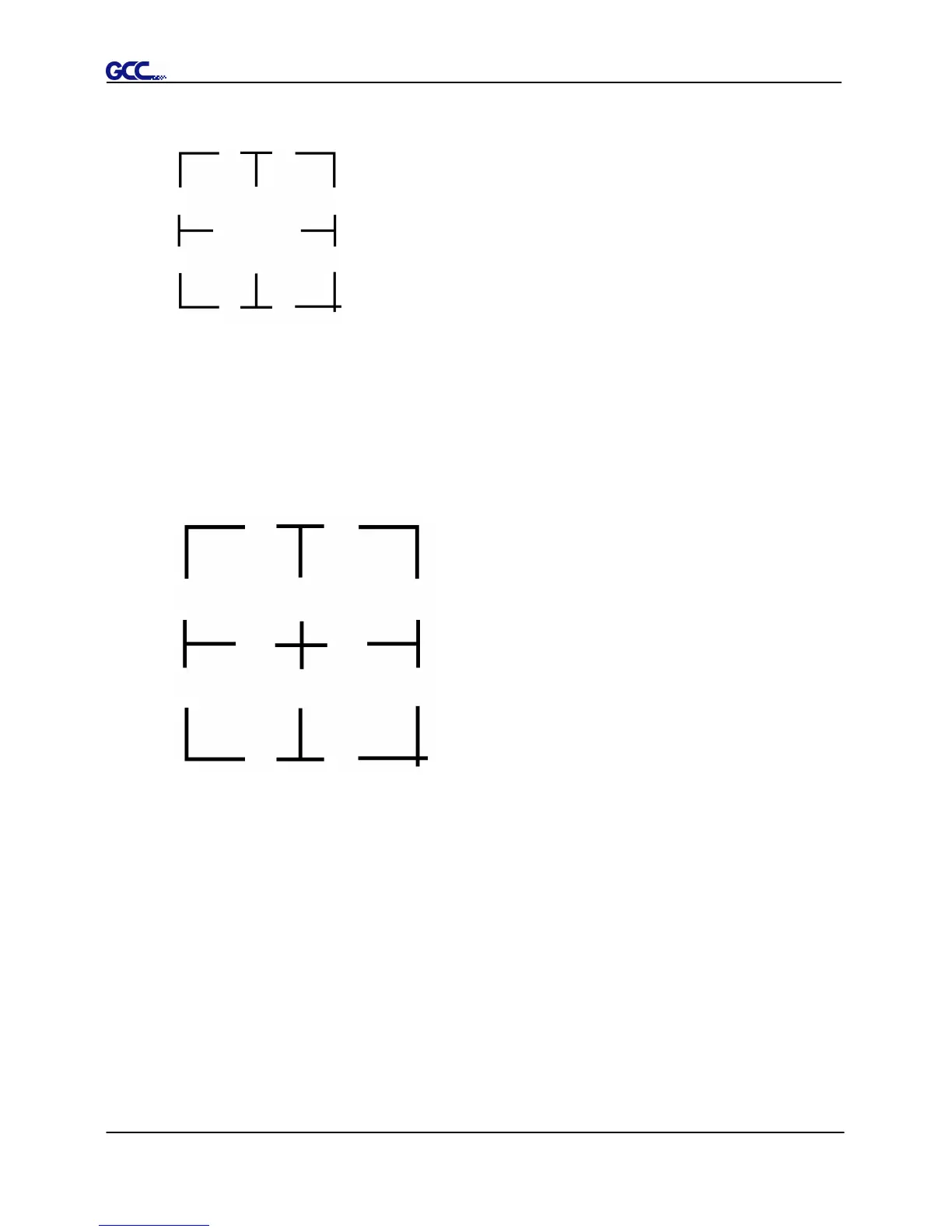
There are two testing files for AASII:
1. AAS II_X_Y_Offset_Caberation_A4 .eps (A4 size)
2. AAS II_X_Y_Offset_Caberation_600_600 .eps (Default setting, it is recommended
for testing)
Print out the testing graphic. ( Please use high precision printer)







 To Next Page