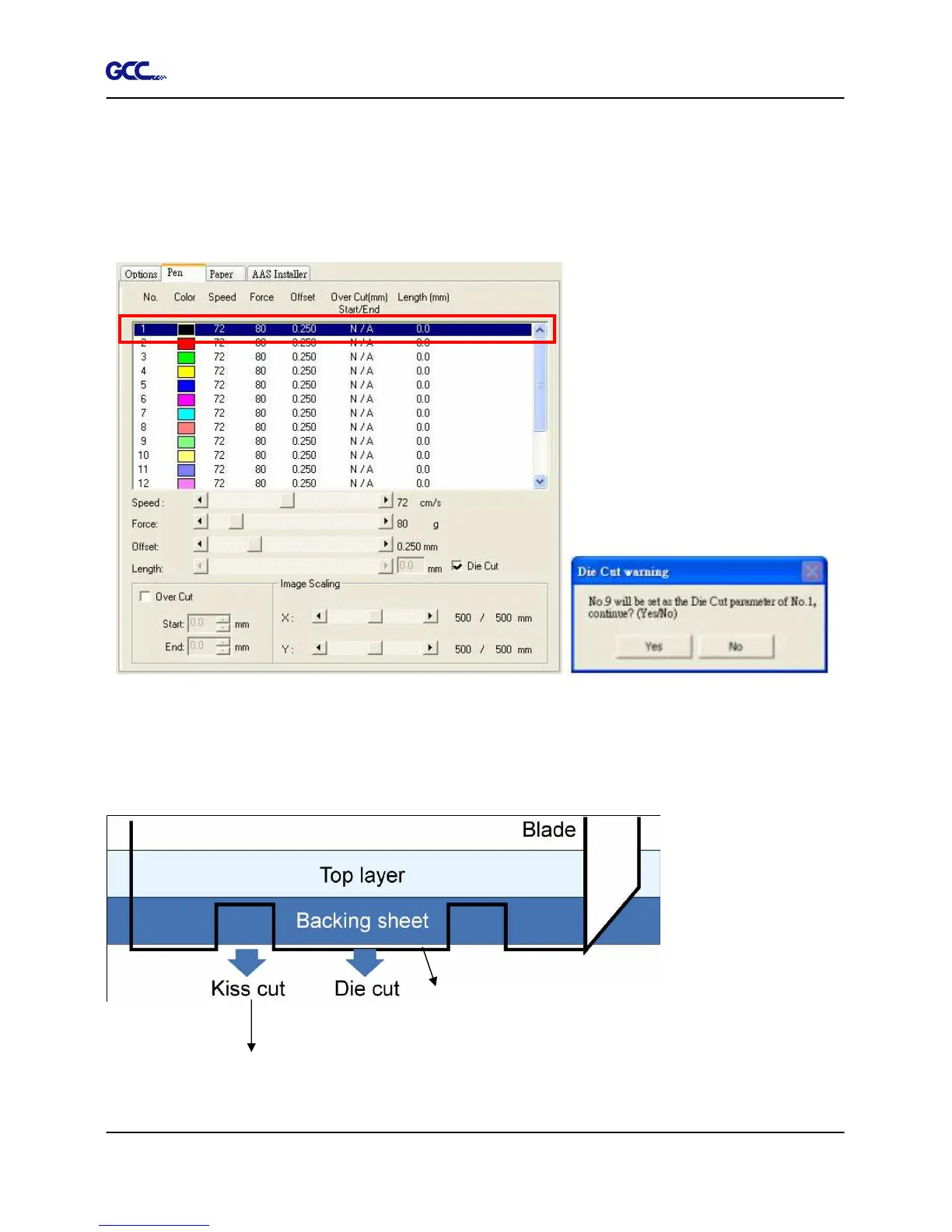
Die Cut
(Pen
Page)
The Die Cut function can allow you to cut through the backing of the material. You can only use
the first 8 pen for this function. If you choose Pen No.1 and click the Die Cut function, the Pen
No.9 will become Pen No.1* for setting different parameter for the same cutting line. (Figure
4-24)
You can adjust the parameter such as force and length in both Pen No.1 and Pen No. 1* as you
need.
For example:
Pen No.1: Cutting through the vinyl only
Pen No.1*: Cutting through the backing of the material







 To Next Page