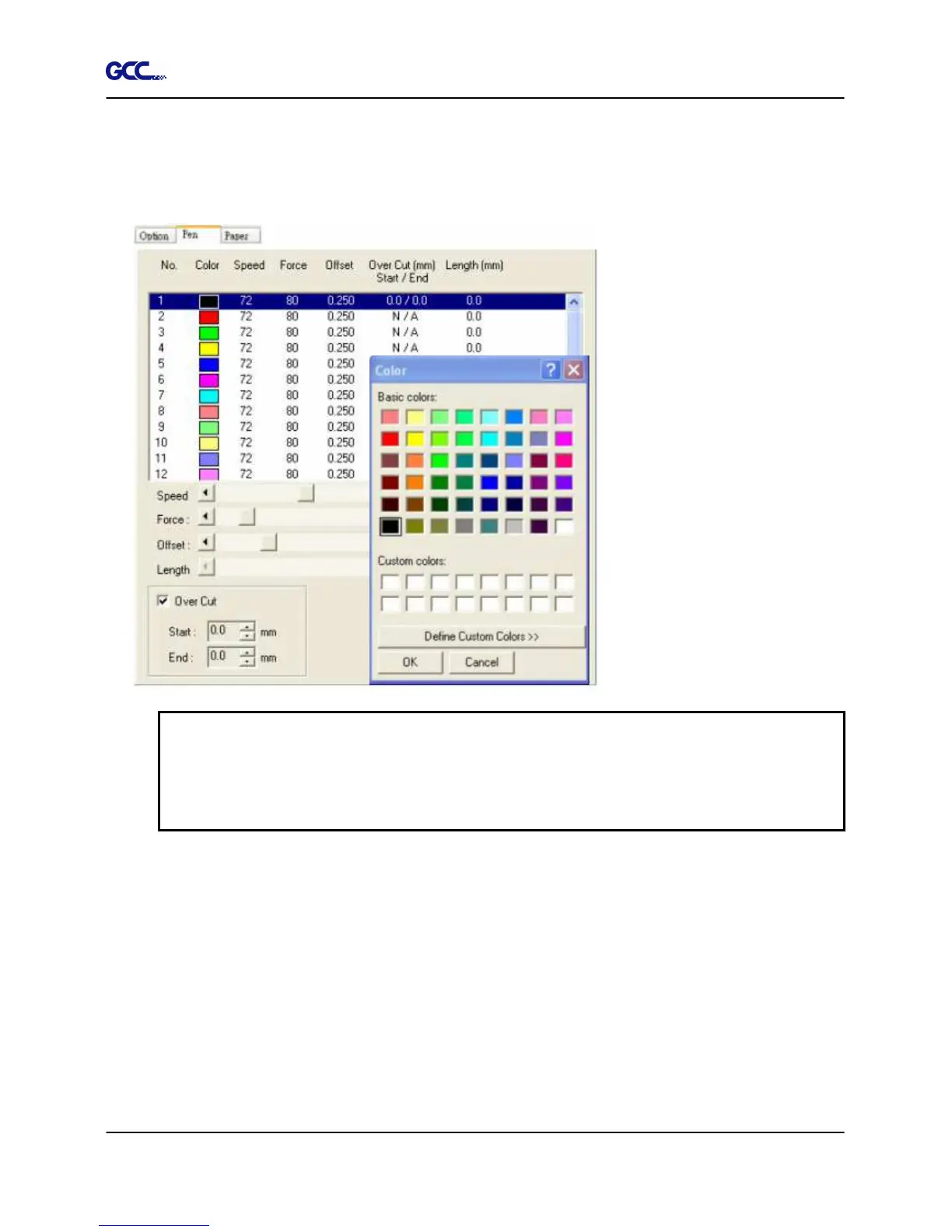
(shown in the picture below). This is useful when your image is composed of colors that are not
part of the pen menu’s default color selection, and instead of modifying your image, you simply
would like to assign the cutter settings based on the existing colors from your current image.
NOTE
The GCC RX series print driver cannot store more than 16 pen colors or different cutter
parameter settings per file.
Speed
(Pen
Page)
[DEF
AUL
T
SETTING:
72cm/sec]
The speed slider controls the cutter’s cutting speed during operation with a range setting from
3 – 153cm/sec. The GCC RX series maximum cutting speed is 153 cm (60 inches) per second.
Force
(Pen
Page)
[DEF
AUL
T
SETTING:
80g]
The force slider controls the cutting force during operation with a range setting from 0 – 600g.
Offset
(Pen
Page)
[DEF
AUL
T
SETTING:
0.25mm]
The offset slider controls the blade offset depending on the blade you used.
Figure 4-22







 To Next Page