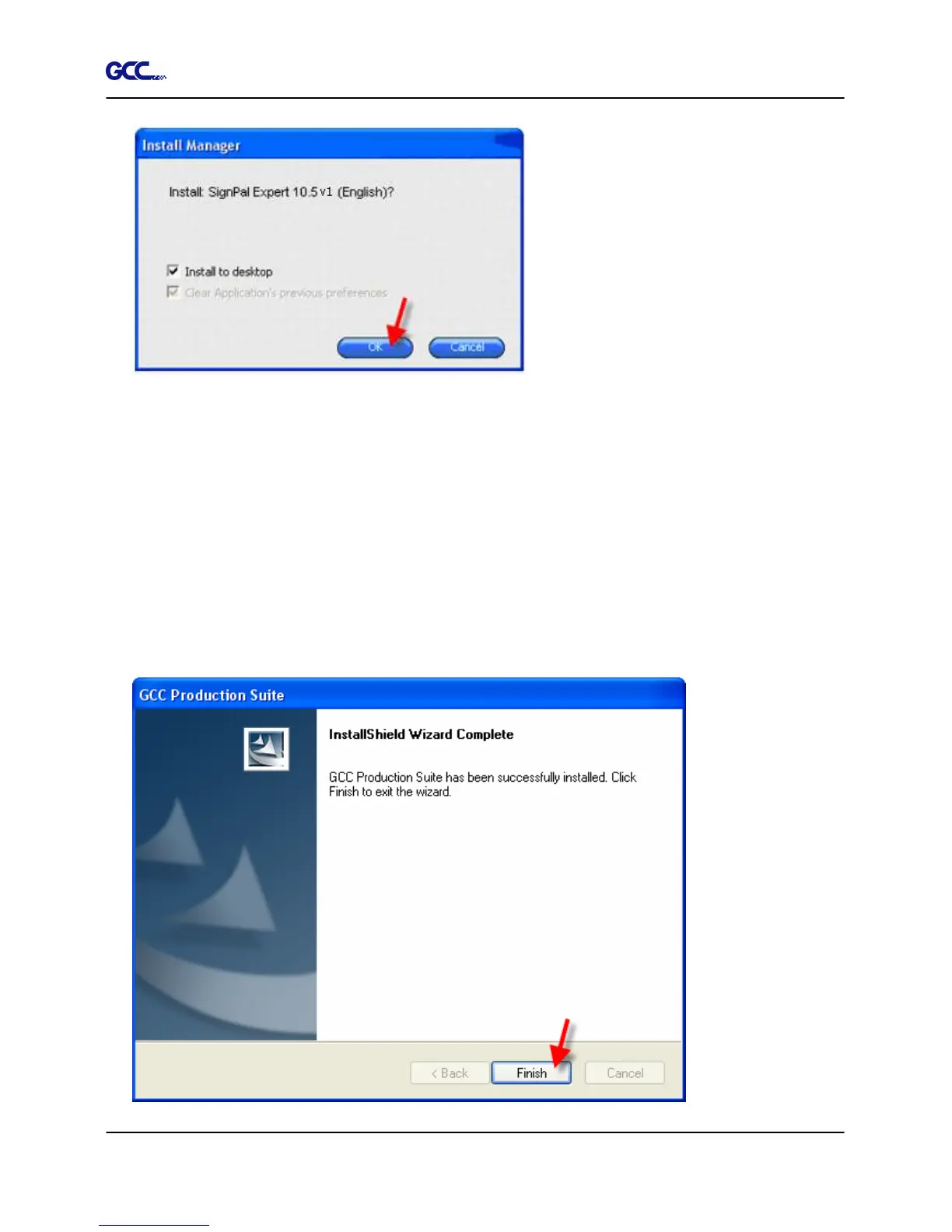
13. Check which icons and preferences you want to install:
•
Check Install to desktop to install a shortcut for the software on the desktop.
•
Check Install to startup items to install a shortcut for the software in the Startup folder
of the Start menu. If this is done, each time the computer starts up, the software will
automatically start up and minimize itself, displaying an icon in the system tray of the
Windows system tray.
•
Check Clear Application's previous preferences to clear the preferences or clear the
check box to retain old preferences.
•
Click OK.







 To Next Page