GEK-113032A W650 Wind Generator Protection System 5-13
5 SETTINGS 5.2 PRODUCT SETUP
5
5.2.5.2 DATA LOGGER ASSOCIATED STATES
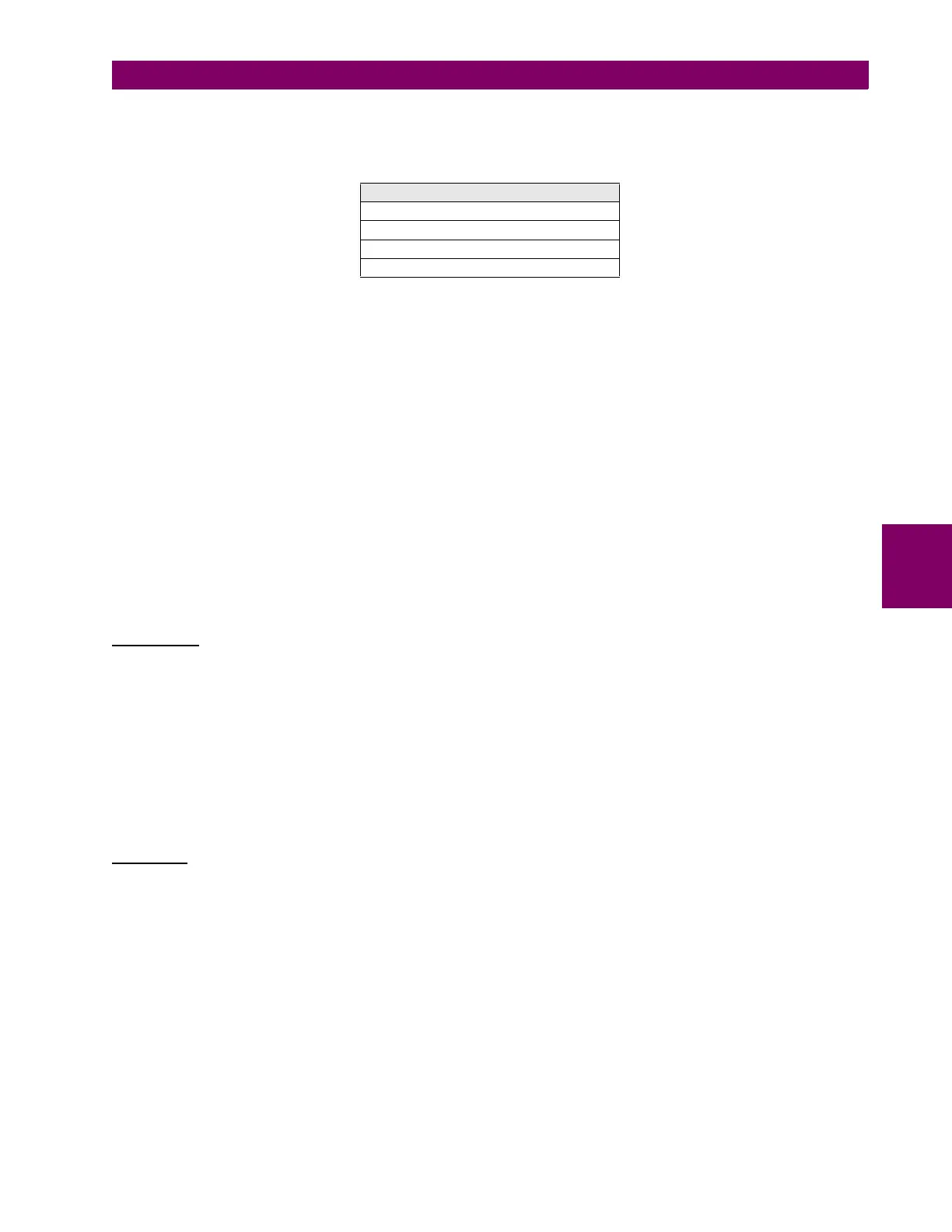
States associated to the data logger module (“Actual >Status>Records Status>”) are shown on the table below:
Table 5–15: DATA LOGGER STATES
OLDEST SAMPLE TIME: The Date/time of the oldest state with 6 characters. This is the time that corresponds
to the oldest sample. This value will remain constant until the available memory
capacity is exceeded. Afterwards, this value will change according to the sampling rate
(Data Logger Rate).
NEWEST SAMPLE TIME: The Date/time of the newest state with 6 characters. This is the time when the most
recent sample was taken. This value is updated according to the sample rate selected.
If no channel has been selected, these settings do not change.
DATA LOGGER CHANNELS: This state shows the number of channels selected.
DATA LOGGER DAYS: This state shows the number of days that can be stored. It depends on the Data
Logger Rate setting, and on the number of channels selected.
5.2.5.3 DATA LOGGER FILES FORMAT AND RETRIEVAL
File Retrieval
Data logger files can be retrieved using the EnerVista 650 Setup software, or the web server at “http:\\relay IP address”.
For obtaining the data logger files using the EnerVista 650 Setup software, the user must access “Actual>Records>Data
Logger”. The top of the window shows the date when the oldest sample was taken, and then the date when the newest
sample was taken.
This screen shows the measurements stored for the different channels through the time.
Clicking on the “Download” button, all the information contained in the file can be read.
Clicking on the “Save” button, the data logger files (*.DAT, *.CFG) are retrieved in COMTRADE format, and saved by
default in the folder “..\EnerVista 650 Setup\files\osc”, using “DLGxxx.DAT”, “DLGxxx.CFG” names, where xxx is the
corresponding record number. Data logger files can be retrieved only by Ethernet.
File Format
Data logger information is made of two text files: configuration file (datalogger.cfg), and data file (datalogger.dat).
DATA LOGGER STATES
OLDEST SAMPLE TIME
NEWEST SAMPLE TIME
DATA LOGGER CHANNELS
DATA LOGGER DAYS


 To Next Page