12-10 W650 Wind Generator Protection System GEK-113032A
12.3 EXAMPLE 3: PROCEDURE TO SET AN OPERATION 12 APPLICATION EXAMPLES
12
12.3.3 TEST
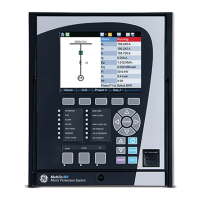
In the main front screen press F2 key.
A message showing “Press Intro to Confirm Key →F2←” will be displayed.
Press down the rotary knob.
Check that contact_00_00 (board F) has been closed.
Check that the front LED 14
th
is lit.
In the main front screen press F1 key.
A message showing “Press Intro to Confirm Key →F1←” will be displayed.
Press down the rotary knob.
Check that contact_00_00 (board F) has been opened.
Check that the front LED 14th has been switched off


 To Next Page