12-8 W650 Wind Generator Protection System GEK-113032A
12.3 EXAMPLE 3: PROCEDURE TO SET AN OPERATION 12 APPLICATION EXAMPLES
12
12.3EXAMPLE 3: PROCEDURE TO SET AN OPERATION 12.3.1 DESCRIPTION OF THE EXERCISE
This simple operation describes how to program and set an operation command on the W650 relay. In the present case
the operation is:
To configure some W650 output contact to be operated since the front of the relay.
To set some LED to show the operation of the output contact (while being closed).
To close a W650 output contact using a front key pushbutton.
To reset the output contact and LED using another front key pushbutton.
12.3.2 PROCEDURE
Set the following values:
Under
SETPOINT ⇓ CONTROL ELEMENTS ⇒ INPUTS/OUTPUTS ⇒ BOARD F
* This setting is non-relevant since it applies only when “pulse” type is chosen
Under
SETPOINT ⇓ RELAY CONFIGURATION ⇒ OUTPUTS
Under
SETPOINT ⇓ RELAY CONFIGURATION ⇒ LEDS
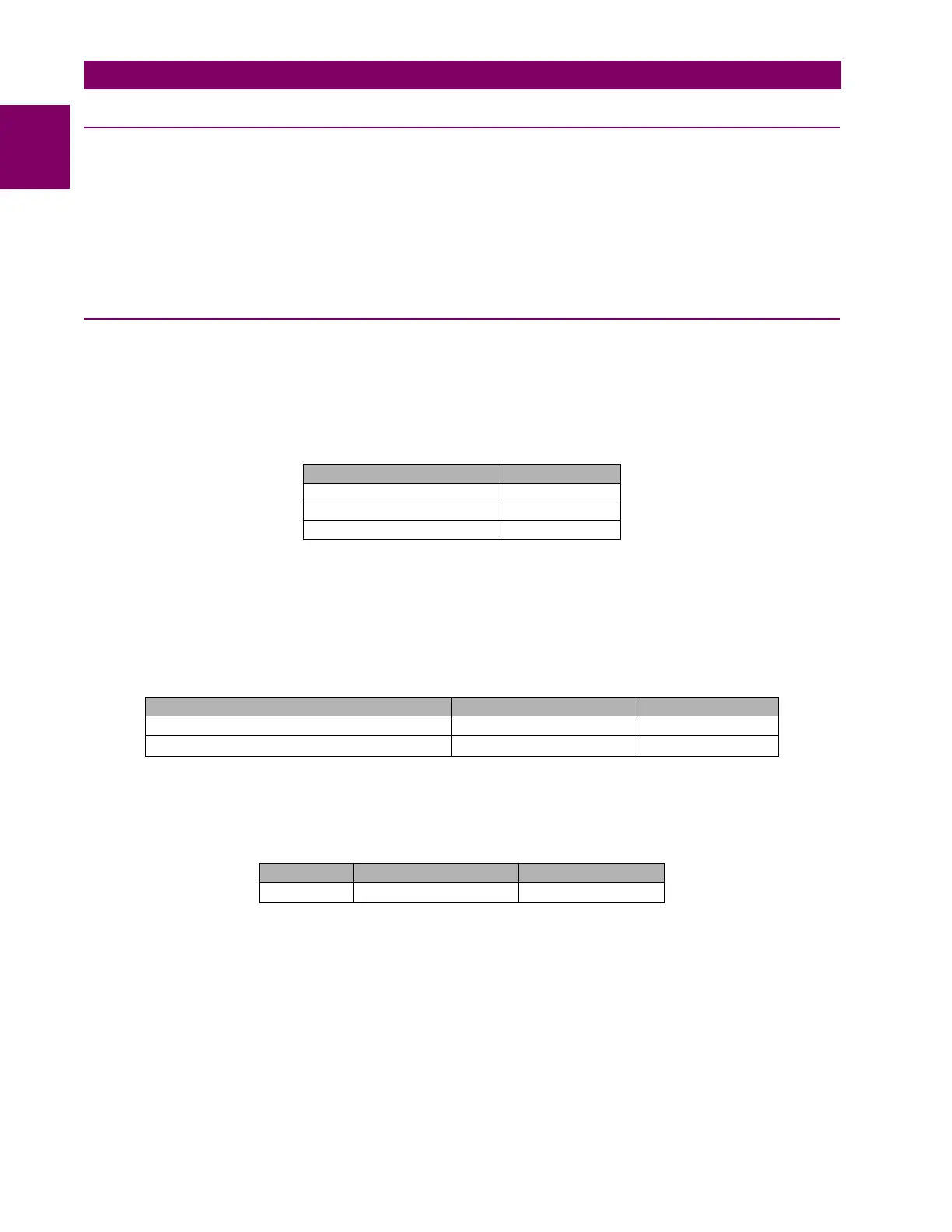
NAME VALUE
Output Logic_00_00 Positive
Output Type_00_00 Latch
Pulse Output Time 10000ms *
SELECT NAME SOURCE
Contact Output Operate 00 (Board F)
C_Output Oper_00_00 Operation_bit000
Contact Output Reset 00 (Board F)
C_Output Reset_00_00 Operation_bit001
SELECT NAME SOURCE
Led 14
Close Contact_00_00 C_Output_00_00


 To Next Page