1-14 W650 Wind Generator Protection System GEK-113032A
1.3 ENERVISTA 650 SETUP SOFTWARE 1 GETTING STARTED
1
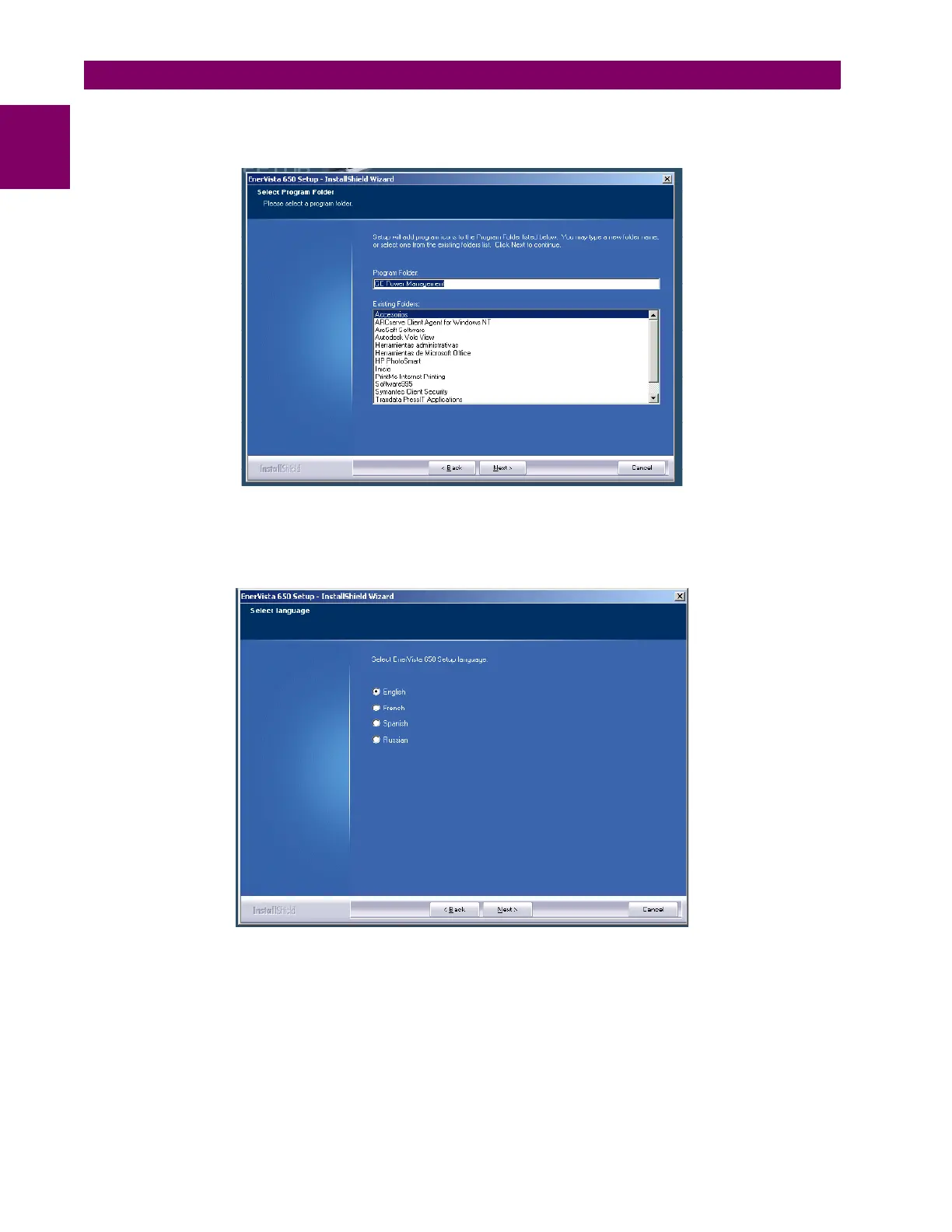
12. The default program group where the application will be added to is shown in the Selected Program Folder window.
Click Next to begin the installation process, and all the necessary program files will be copied into the chosen directory.
Figure 1–13: SELECT PROGRAM FOLDER
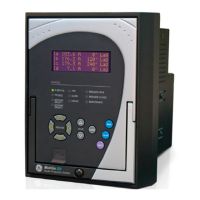
13. To finish with the installation process, select the desired language for startup.
Figure 1–14: LANGUAGE WINDOW


 To Next Page