18
2.3.4 About
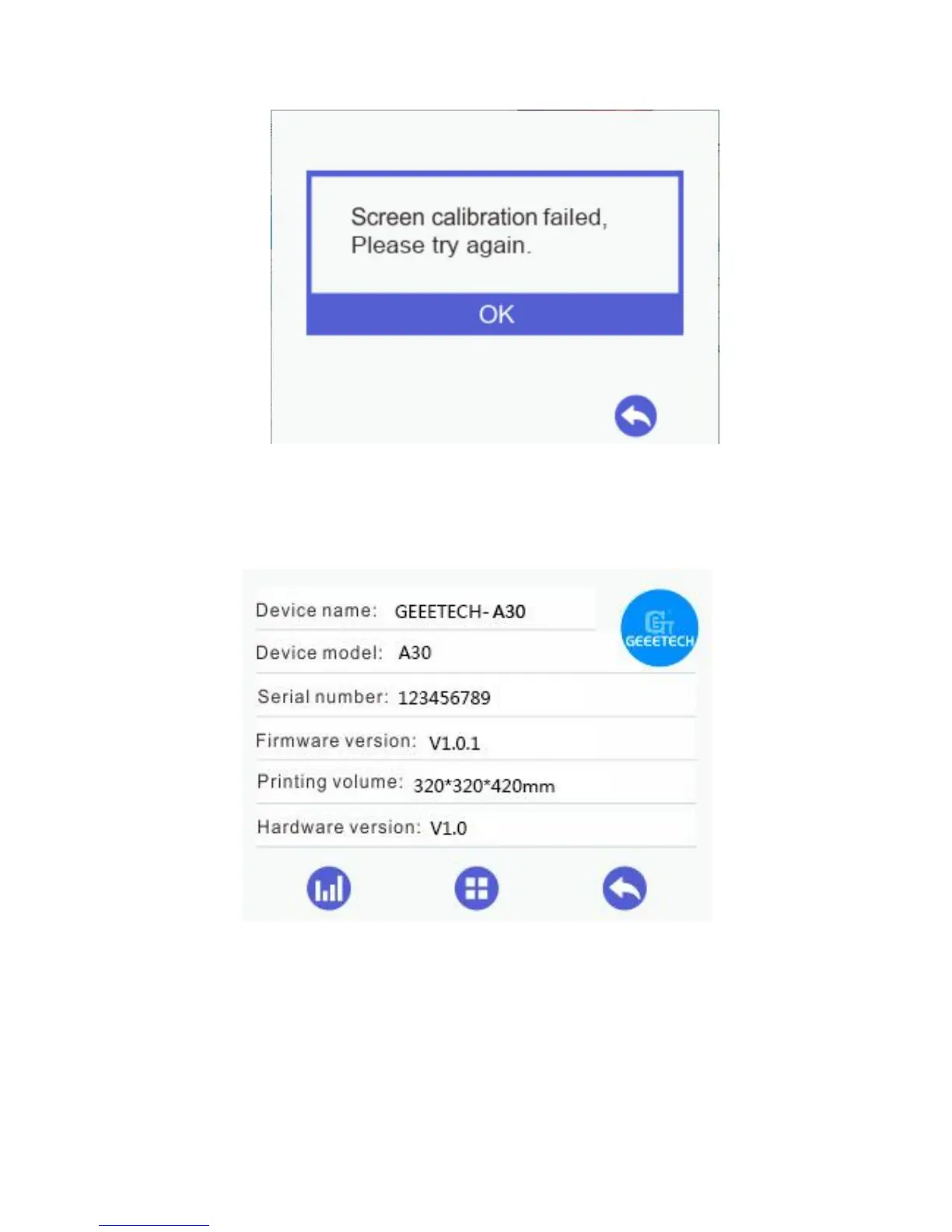
Choose [About] to visit the [Info] interface, where you could check the relevant
information about Geeetech A30, as shown by the picture below.
2.3.5 Factory Default
1) [Factory Default] is disabled, when the printer is running with a TF card or
connected with a computer, or it stops working temporarily.
2) [Factory Default] is enabled, when the printer stops running temporarily, with a TF
card or connected with a computer.



 To Next Page