46
4.3.4 Printing from Cloud Library
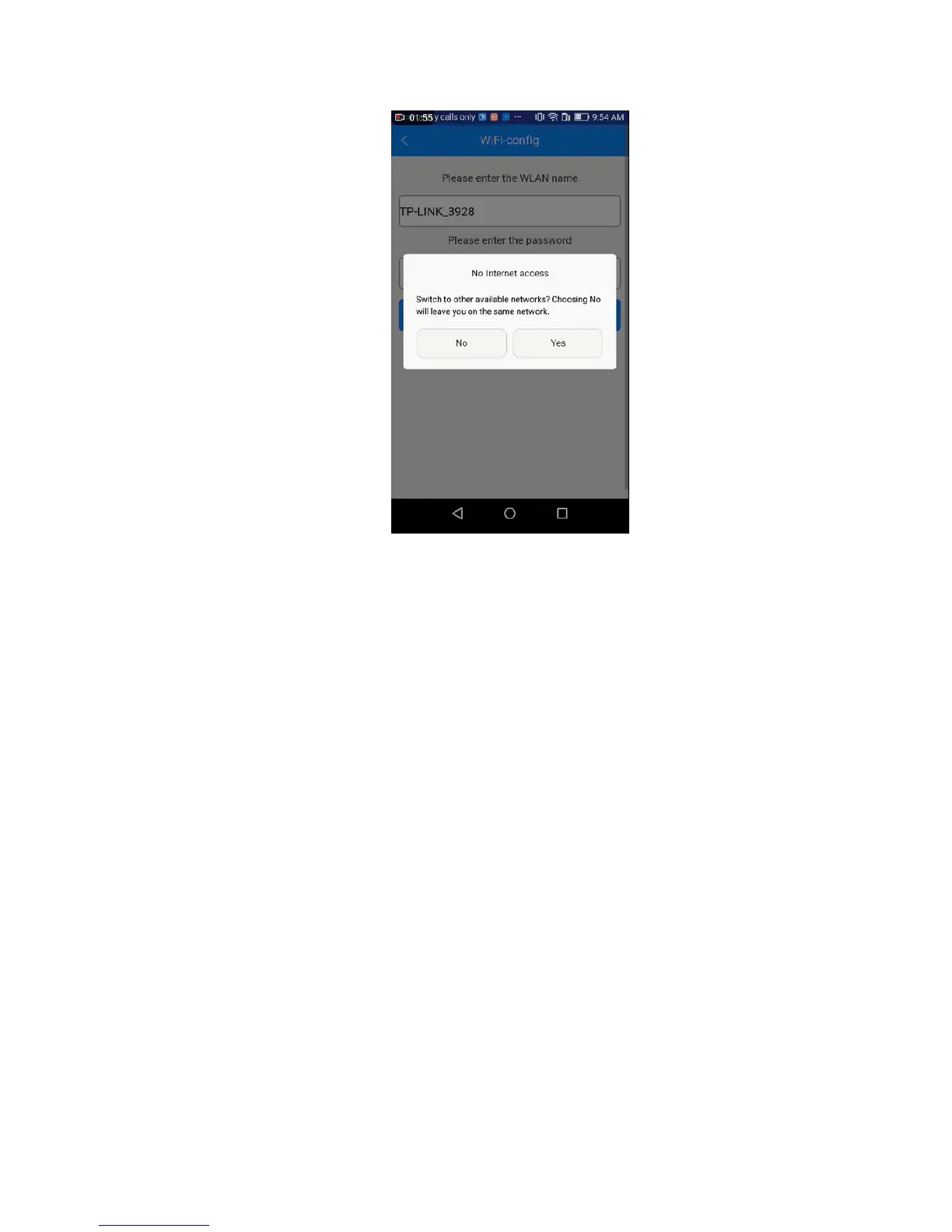
As above, once the configuration between APP and the printer is successful, you can
start to print.
Note: A TF card is still needed when print via Wi-Fi to save the files.
4.3.4.1 Printing from Cloud Gallery
Step 1.Click Community—— Cloud, choose the type of models



 To Next Page