34
Step 4. Click OK and check your email. Log in with your account information.
Note: As the EasyPrint 3D APP is continuously upgraded, some UI and workflow may
be different, please follow the APP.
4.3.2 Bind printer to EasyPrint 3D App
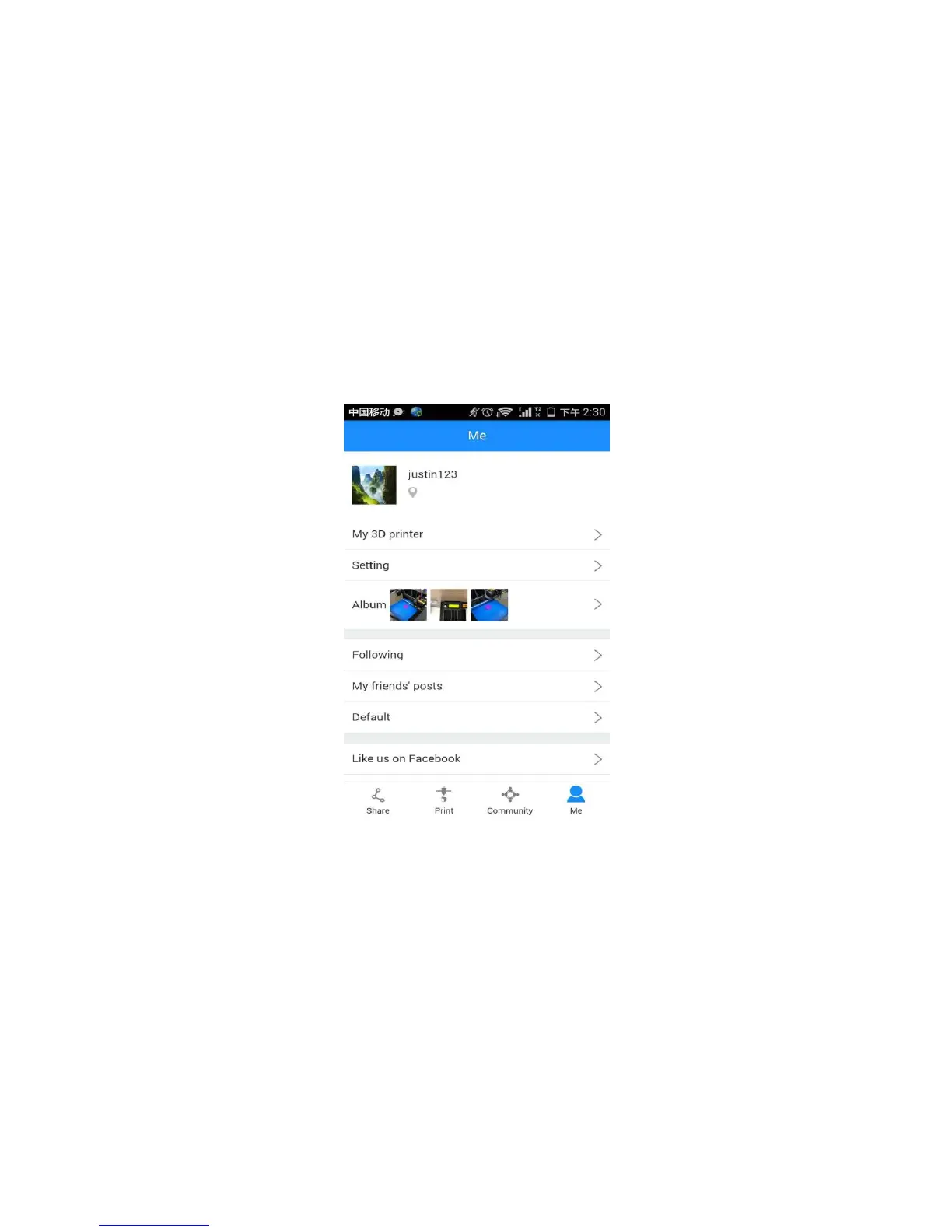
Log in and bind the printer. In Me
—
My 3D Printer, finish the binding process following
the instructions on App.
Step 1. Click My 3D printer
Step2. Click the “Start to bind”button.



 To Next Page