8
2.2 Control
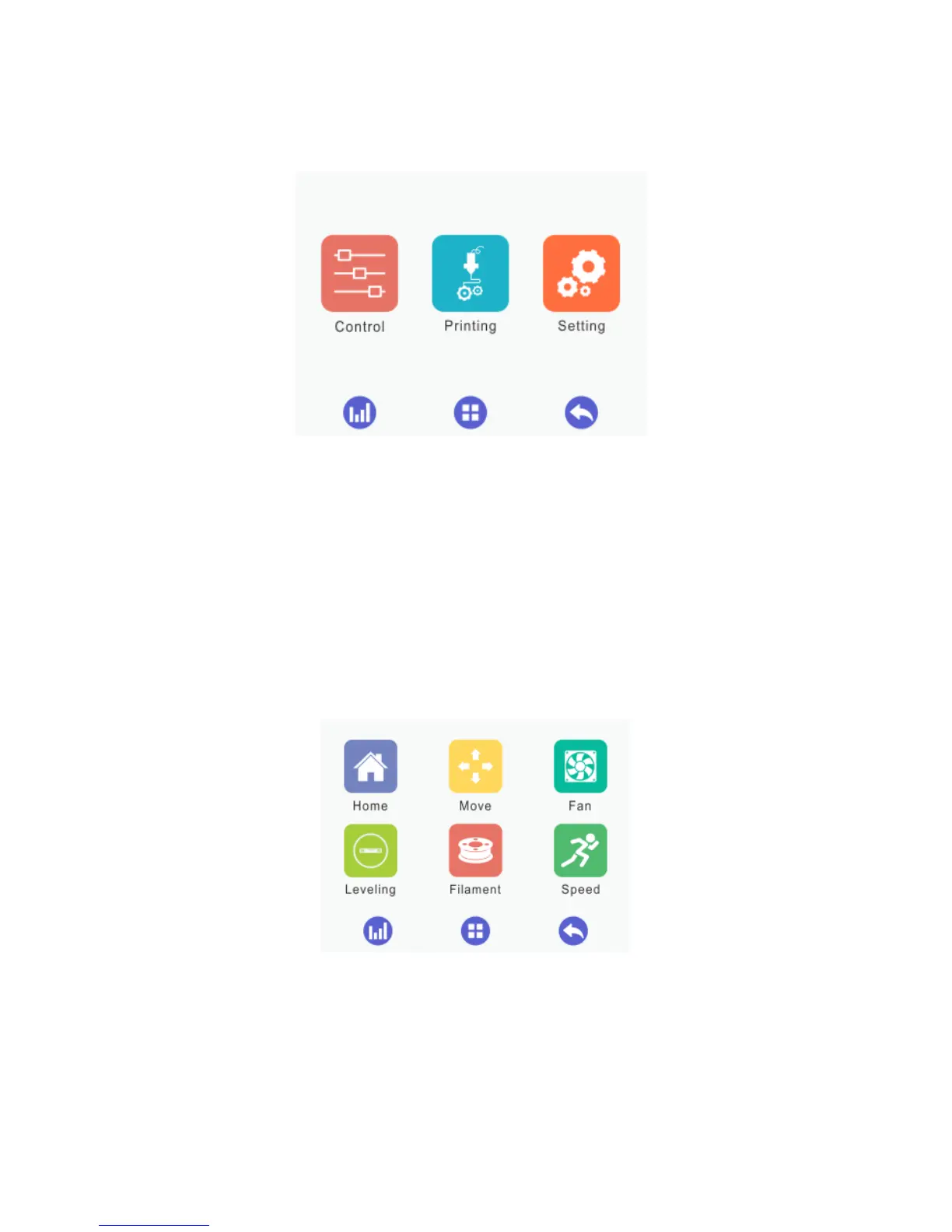
Click the [Control] menu to enter the corresponding interface, where it is convenient to
manually control the 3D printer by means of the following functions: home, move, fan,
leveling, filament and speed, as shown by the picture below.
2.2.1 Home



 To Next Page