16
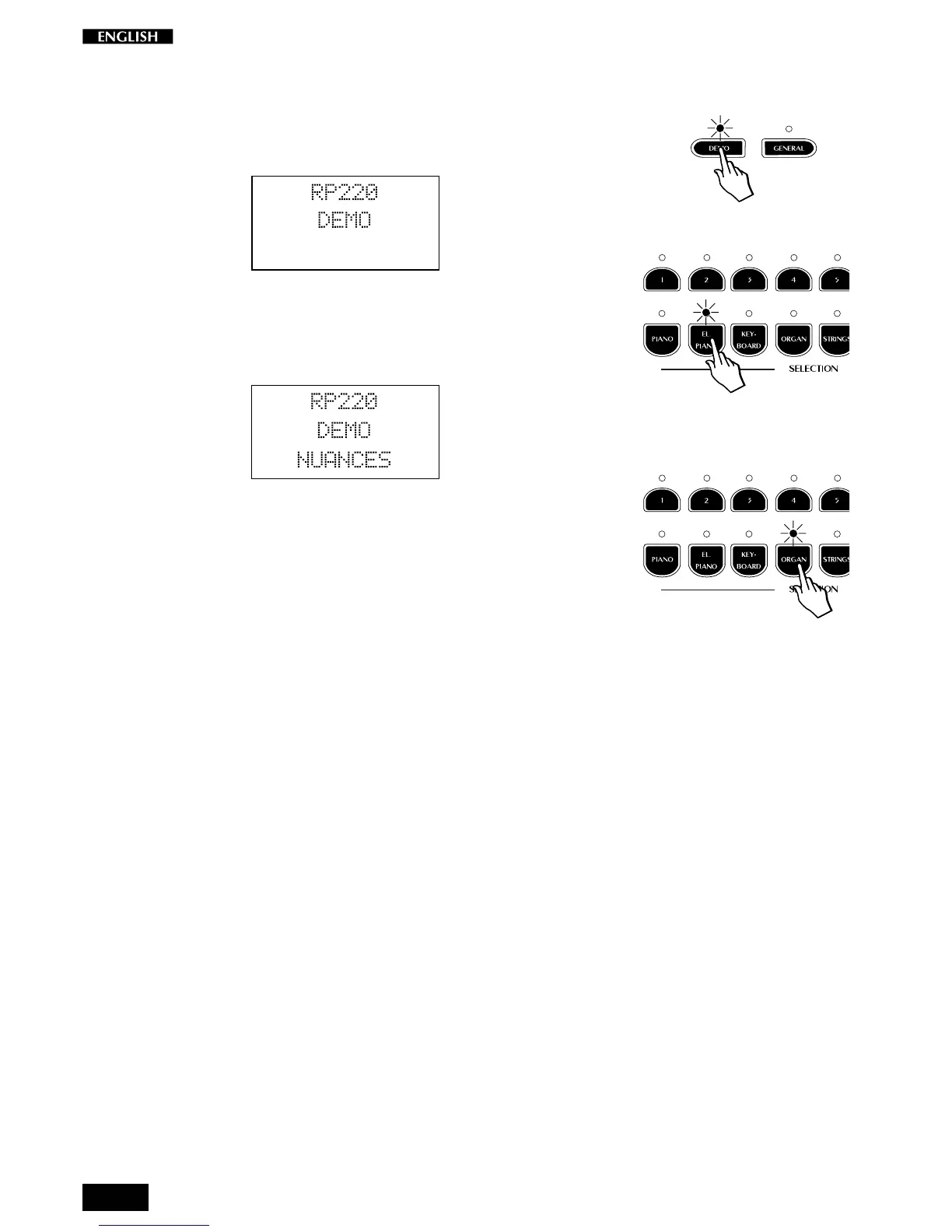
When you press a button, the corresponding LED remains on and the
corresponding demonstration recording starts to play.
Example:
1. Press the DEMO button. The Demo mode display is shown:
2. Press, for example, the El.Piano button.
The demo starts to play. At the same time, the display shows the
number and name of the Demo song currently playing:
3. It is possible to pass instantly from one Demo song to another by
pressing another button (in this case Organ).
4. To stop the Demo song press the corresponding button again.
Note: In DEMO mode, all the instrument’s panel commands, the
keyboard and the MIDI interface will be temporarily disabled.



 To Next Page