20
MASTER EQUALIZER
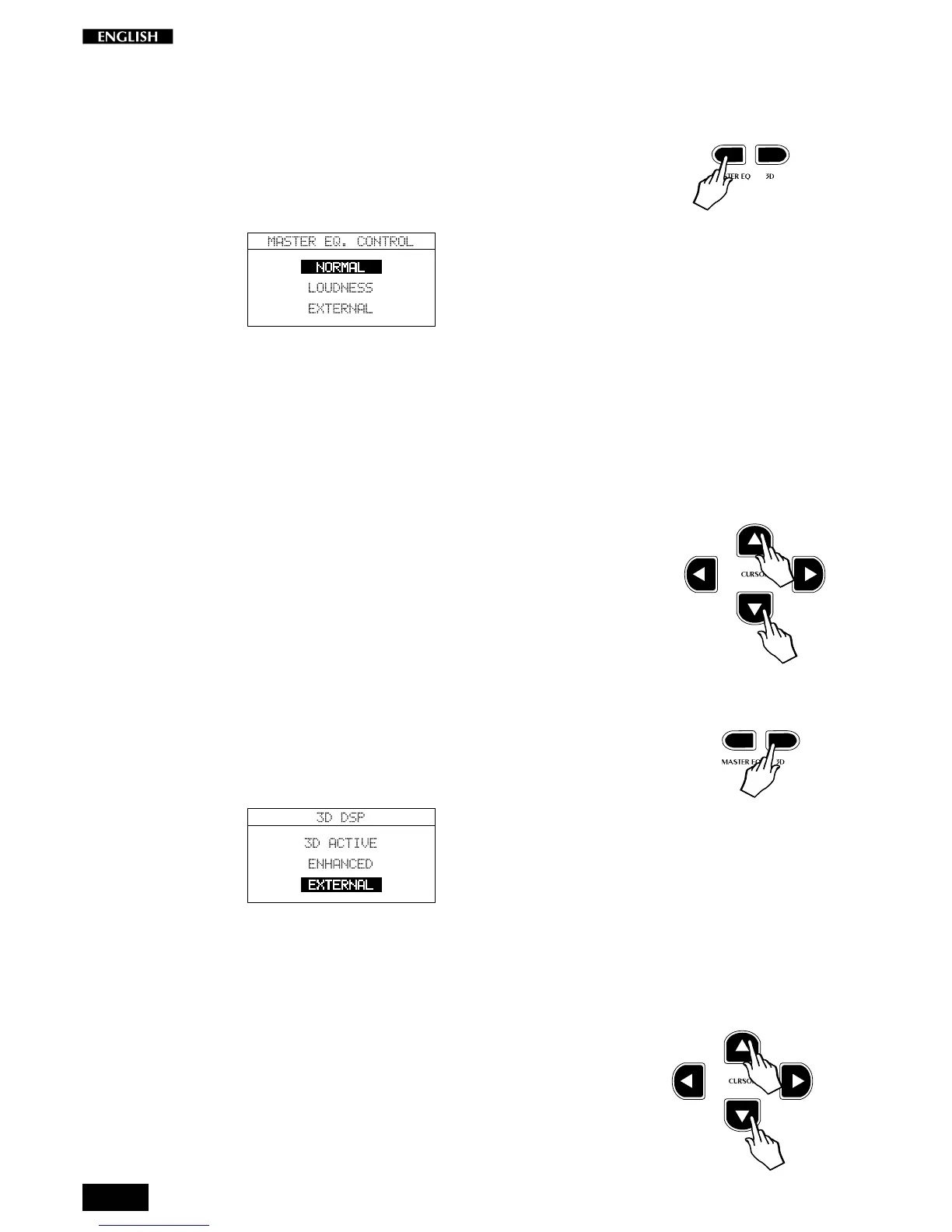
Pressing the Master Eq. button gains access to a Master EQ control that
provides two response curves which affect the overall tone of the
instrument (Normal and Loudness) and a bypass option (External).
Pressing the button activates a temporary display showing 3 curves to
choose from. The selected option is shown in negative highlight:
Normal: This curve is selected by default and provides a linear
frequency response.
Loudness:
This response curve provides an enhancement of the
bass frequencies and is particularly effective when
playing at low volume levels.
External: This setting disactivates the Master Eq. and is particu-
larly effective when the instrument’s sounds are ampli-
fied by an external amplification system.
Use the Cursor Up/Down buttons to select the various curves; the
selection menu is cyclic.
3D DSP
This button activates a DSP menu where you will find two special “three-
dimensional” effects designed to enhance the sound of your RP220 (3D
Active and Enhanced) and a bypass option (Eternal).
Pressing the button activates a temporary display showing the 3 options
to choose from. The selected option is shown in negative highlight:
3D Active:
This default setting activates the 3D surround effect
which spatializes the sound.
Enhanced:
This setting boosts the spatial effect further and is
particularly effective when playing a low volume levels.
External: This setting disactivates the 3D DSP and is particularly
effective when the instrument’s sounds are amplified
by an external amplification system.
Use the Cursor Up/Down buttons to select the options; the selection
menu is cyclic.



 To Next Page