41
10. Detune and Delay
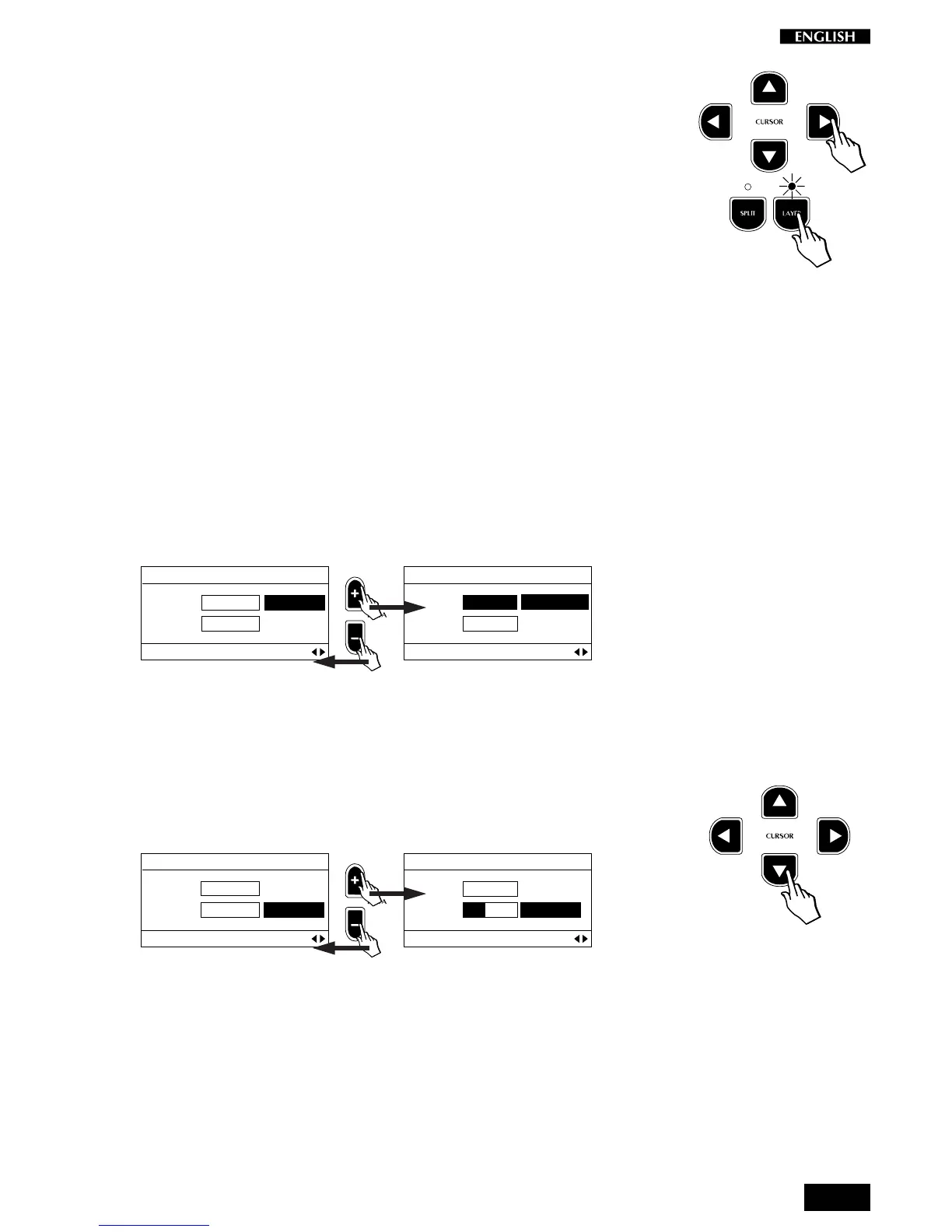
Press the CURSOR RIGHT button to access the next page where you can
modify two parameters exclusive to the Layer section of the Presets:
Detune and Delay.
Note: To listen to the changes made to these two parameters, the Layer
button must be active (LED on).
Detune
This function allows a fine frequency adjustment (Detune) between the
main Sound Program of a Preset and its Layer.
Delay
This function allows you delay the emission of the Sound Program of the
Layer section of a Preset with respect to the main section.
Modifying the Detune parameter
Entering this page for the first time shows the Detune parameter selected.
You can now repeatedly play a note on the keyboard and adjust the
Detune value with the DATA +/– buttons.
EDIT MENU
Detune: 0 cents
Delay: 0 ms
Layer Section Pg. 10
EDIT MENU
Detune: 12 cents
Delay: 0 ms
Layer Section Pg. 10
You can detune the main sound by up to +12 Cents. Lower values are
useful for creating a natural chorus effect between two sounds. At higher
values a “Honky Tonk” effect can be obtained.
Modifying the Delay parameter
To modify the Delay parameter, press the Cursor Down button to select
Delay and adjust the Delay value with the DATA +/– buttons.
EDIT MENU
Detune: 0 cents
Delay: 0 ms
Layer Section Pg. 10
EDIT MENU
Detune: 0 cents
Delay: 32 ms
Layer Section Pg. 10
The value shown represents the number of milliseconds which will elapse
before the second sound is heard.
The values available range from 8 to 800 ms in steps of 8 ms at a time.
The higher the value, the greater the delay of the Layer section.



 To Next Page