22
TOUCH
The RP220 offers three different keyboard responses, or “velocity curves”,
which affect the instrument as a whole. Every time you turn on the
instrument, the “NORMAL” curve is set automatically. Two other curves
are available: Soft and Hard.
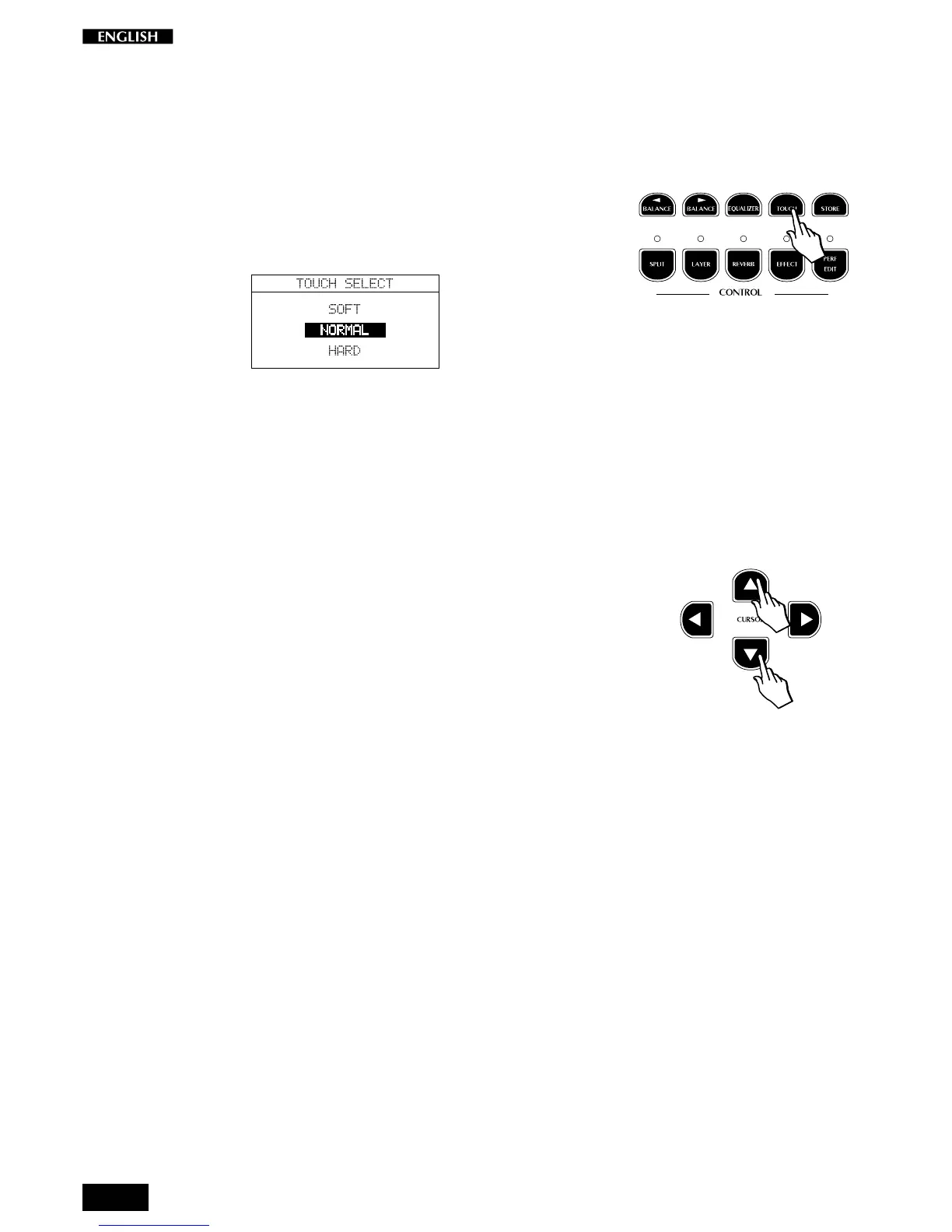
Pressing the TOUCH button (in the Control section) activates a temporary
display showing 3 velocity curves to choose from. The selected option is
shown in negative highlight:
Soft : this is useful for a player with a lighter touch or some-
body more accustomed to a synth action keyboard. It
requires only a relatively soft touch to achieve maximum
volume.
Normal : This setting most accurately represents the touch re-
sponse of a piano.
Hard : This setting is for “stronger” players. It requires a fairly
powerful touch to achieve maximum volume.
Use the Cursor Up/Down buttons to select the various curves; the
selection menu is cyclic.
The selected response curve remains in memory until changed again, or
until you turn the instrument off. Turning on again will restore the
NORMAL setting.



 To Next Page