59
5. Restore Presets
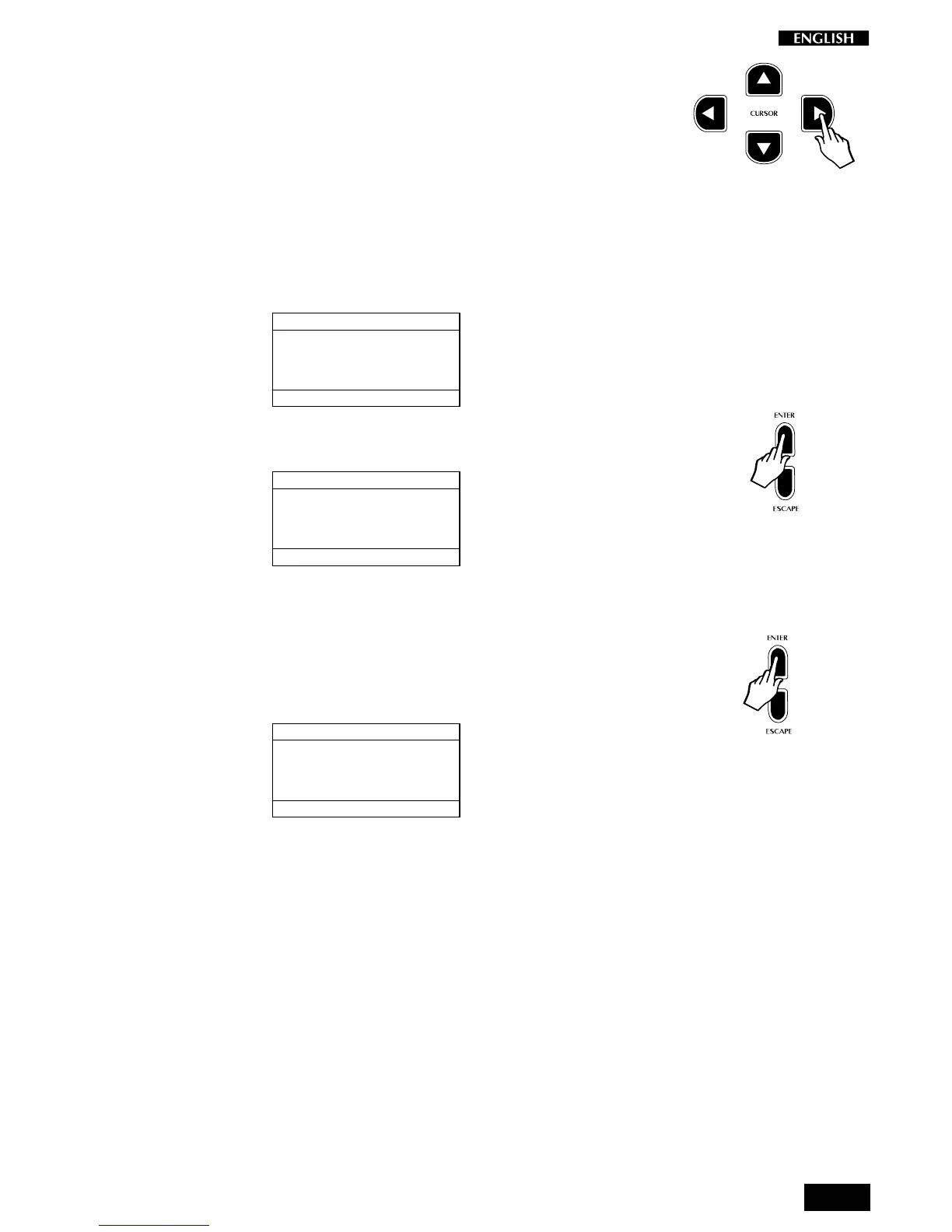
Press the CURSOR RIGHT button to pass to the fifth General Menu page:
Restore Presets.
This function allows you to restore all of the factory-programmed User
Presets that you may have memorized to the User Preset locations.
Note: doing this will destroy any User Presets which you have saved into
the instrument yourself.
Entering the Restore Presets page with Cursor Right shows the following
display:
RESTORE PRESETS
SELECTION MENU GENERAL : 5
PRESS ENTER
TO RESTORE
1. Follow the prompted instructions by pressing the ENTER button:
RESTORE PRESETS
SELECTION MENU GENERAL : 5
PRESS ENTER
TO RESTORE
ARE YOU SURE ?
A confirmation request is shown to avoid accidental activation of the
function and, therefore, total loss of important data.
2. Press the Enter button once more to complete the restore operation.
After a few seconds, the display shows the “Done!” message
marking the end of the Restore Preset operation:
RESTORE PRESETS
SELECTION MENU GENERAL : 5
PRESS ENTER
TO RESTORE
PRESETS RESTORED !
From here, you can proceed with the selection of another General
function.
Note: before confirming the Restore Preset operation, be sure that you
have saved your User Presets to an external storage device by using the
MIDI Dump feature.



 To Next Page