40
9. Auto Wha-Wha Assign
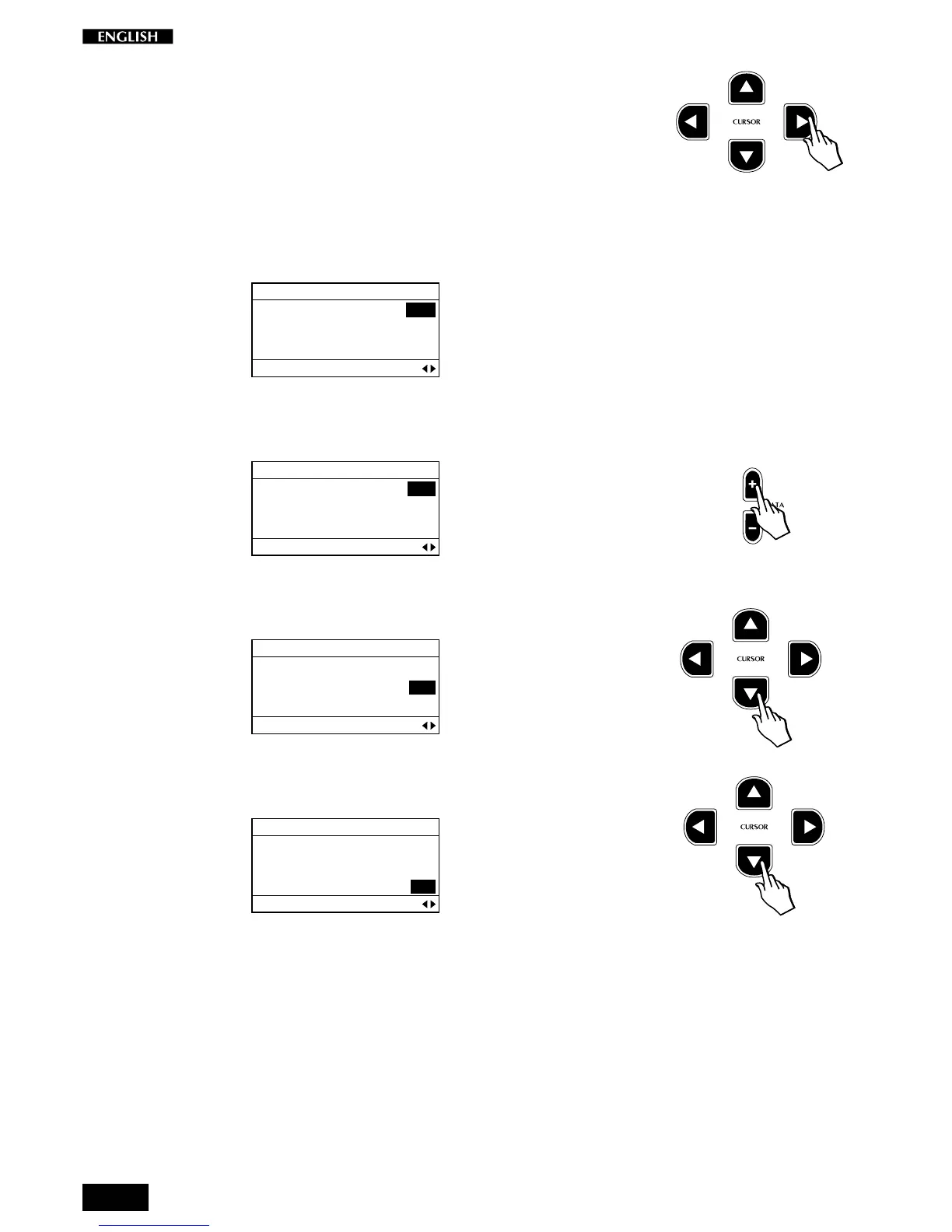
Press the CURSOR RIGHT button to access the Auto Wha-Wha function.
Auto Wha Wha is a classic effect from the vintage keyboard era, which the
RP220 allows you to control according to the velocity you apply to the
keyboard. This effect is independently assignable to the Preset sections
(Single, Split, Layer).
The default setting of this parameter is Off for all sections, as shown in the
following display:
EDIT MENU
MAIN: OFF
LAYER: OFF
SPLIT: OFF
Auto WhaWha Assign Pg. 9
Use the DATA +/– buttons to switch the setting to On as required for the
current section:
EDIT MENU
MAIN: ON
LAYER: OFF
SPLIT: OFF
Auto WhaWha Assign Pg. 9
To change the setting of the Layer section, press the Cursor Down button
and change the value with the Data +/– buttons.
EDIT MENU
MAIN: ON
LAYER: ON
SPLIT: OFF
Auto WhaWha Assign Pg. 9
To change the setting of the Split section, press the Cursor Down button
and change the value with the Data +/– buttons.
EDIT MENU
MAIN: ON
LAYER: ON
SPLIT: ON
Auto WhaWha Assign Pg. 9



 To Next Page