58
4. Display Contrast
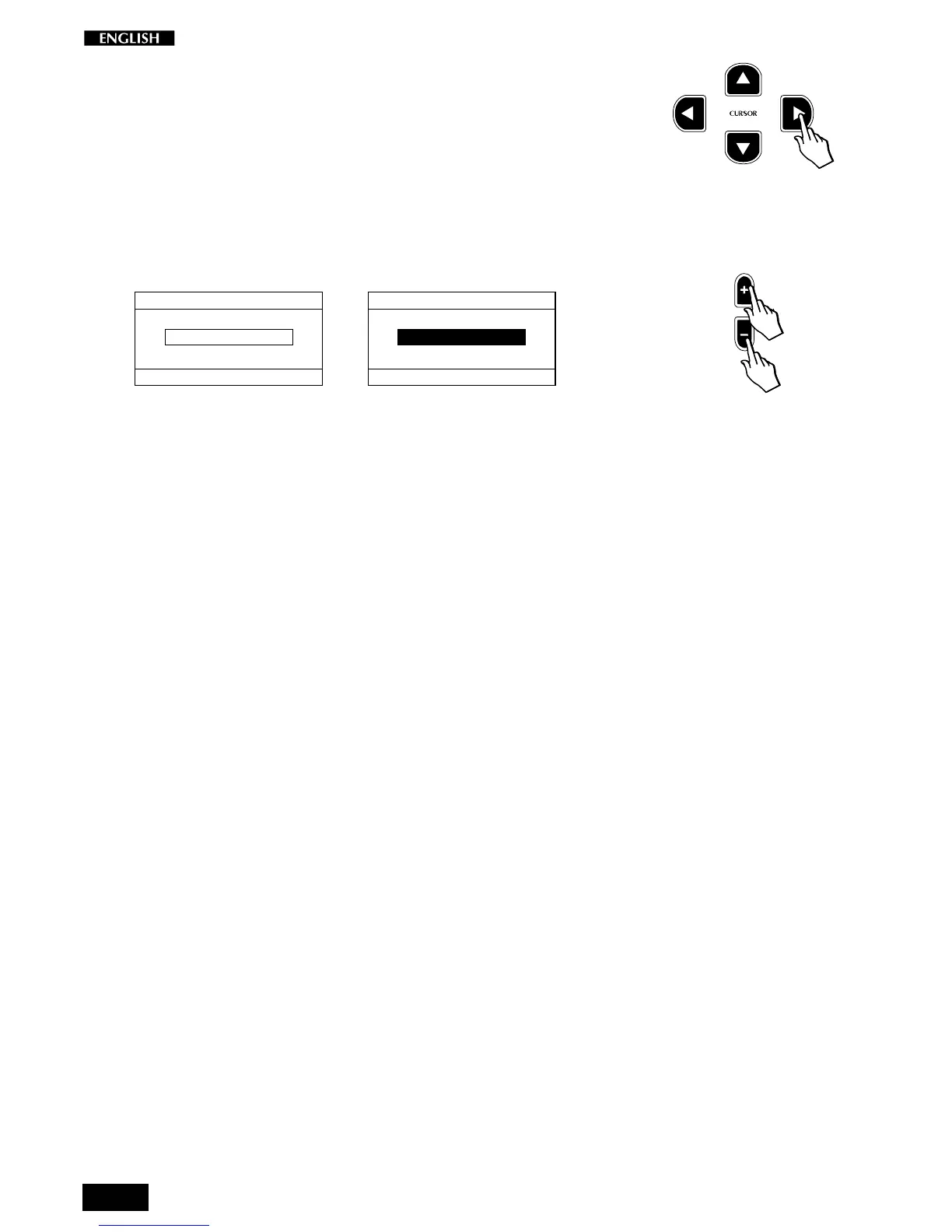
Press the CURSOR RIGHT button to pass to the fourth page of the
General Menu: Display Contrast.
The display shown will be the last one set.
Use this function to improve the visibility of the display under different
lighting conditions.
Use the DATA +/– buttons to adjust the Display Contrast value within the
range – 6, … 0, … 6.
DISPLAY CONTRAST
SELECTION MENU GENERAL : 4
CONTRAST
VALUE = -6
...
DISPLAY CONTRAST
SELECTION MENU GENERAL : 4
CONTRAST
VALUE = 6
A higher value will give a stronger contrast.
The setting remains memorized even after turning off the instrument.



 To Next Page