48
2. MIDI Menu
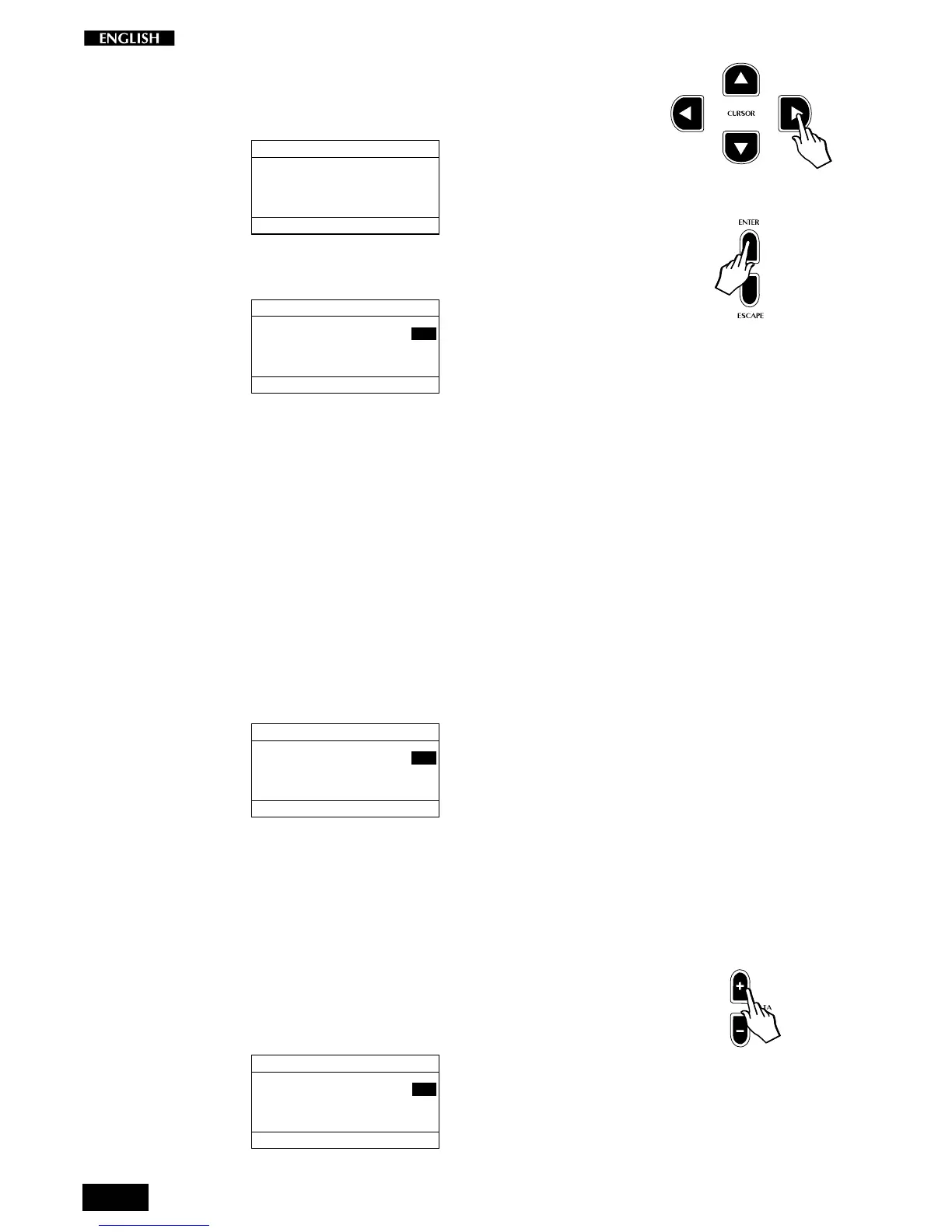
Press the CURSOR RIGHT button to pass to the MIDI Menu page.
MIDI MENU
SELECTION MENU GENERAL : 2
PRESS ENTER TO
EDIT MIDI PARAMETERS
To gain access to the parameters of this menu, press ENTER.
MIDI MENU Pg. 1
SELECTION MENU GENERAL : 2
MIDI CHANNEL: 01
MIDI MODE: COMMON
The parameters available under this menu are:
Midi Channel, Midi Mode (Common and Dual), Local Control, Midi
Transpose, Midi Clock, Midi In/Out Filters, Computer Interface and Midi
Dump.
The Midi Settings remain in memory even after turning off the instrument.
Midi Menu Page 1
Once you gain access to the MIDI Menu with the Enter button, the first
page activated shows two MIDI functions: Midi Channel and Midi Mode.
Midi Channel
The first function, Midi Channel, is shown selected (negative highlight):
MIDI MENU Pg. 1
SELECTION MENU GENERAL : 2
MIDI CHANNEL: 01
MIDI MODE: COMMON
This function allows you to change the Midi transmission and reception
channel of the instrument
The value display corresponds to the MIDI channel of the main section
across the entire keyboard.
The Midi Channels of the secondary sections (Layer and Split) are set
using the Midi Mode function explained afterwards.
The Midi Channel can be changed from 1 to 16 using the DATA +/–
buttons:
MIDI MENU Pg. 1
SELECTION MENU GENERAL : 2
MIDI CHANNEL: 02
MIDI MODE: COMMON



 To Next Page